
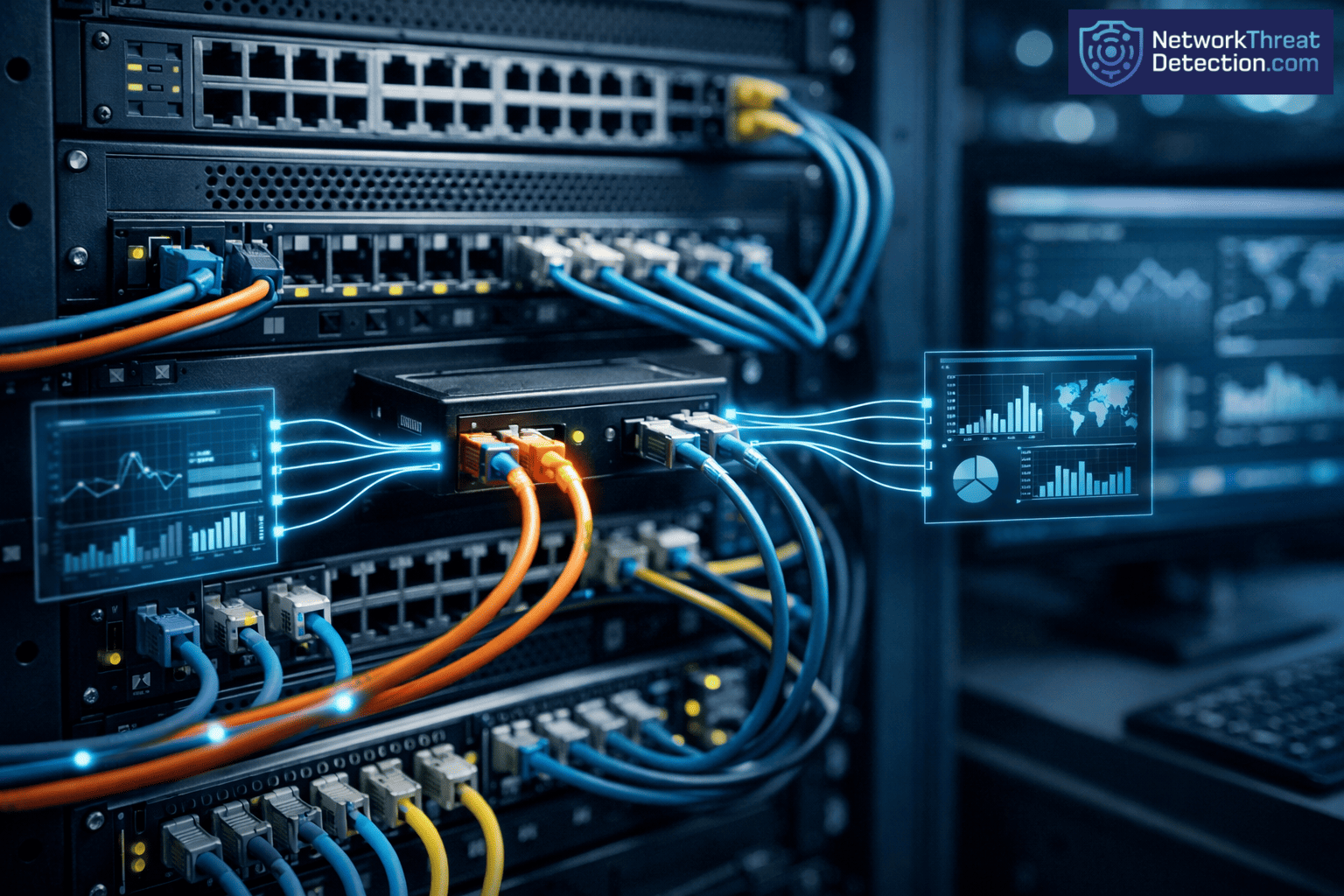
Network tap deployment lets you see all your network traffic, in full, as it happens. It makes a copy of the data without slowing the network or getting in the way. A Network TAP works at the physical layer, so it picks up every packet, even the broken ones.
In day-to-day work, gaps show up when traffic gets busy or when tools miss things. Taps help close those gaps by sending a clean copy of traffic to your tools. That makes it easier to spot issues early and act on them. Keep reading to see how this helps in real use.
What You Gain from Network Tap Visibility
- Network TAP deployment enables 100% packet capture, including malformed and full-duplex traffic.
- Passive design means no delay and helps reduce blind spots during heavy traffic.
- Pairing taps with Network Threat Detection helps teams spot threats sooner and respond with more accuracy.
What is a Network Tap and Why Does It Matter for Visibility?
A Network TAP copies network traffic at the physical layer and sends that copy to your tools. It does not sit in the data path, so nothing gets slowed or changed, which becomes clearer when comparing tap vs span behavior in real environments.
In our work, taps solve a simple problem: missing data. Switch settings change, traffic spikes, and tools drop packets. That is where gaps start. A tap keeps sending the same steady feed, no matter what the switch is doing.
A Network Test Access Point captures 100% of packets. That includes broken frames and retries, which often matter during analysis. We see cleaner results in Packet Analyzers and Deep Packet Inspection when the input is complete.
Wikipedia notes that taps can hold 0% packet loss at full load. That lines up with what we see during testing.
- Captures valid, malformed, and error packets
- Works at Layer 1 without changing traffic
- Supports full-duplex visibility
- Feeds data to monitoring devices and network monitoring software
This is the starting point for any setup that needs a clear view of traffic.
Quick Visibility Wins from Network Tap Deployment
Once taps are in place, the change is easy to spot. Traffic that used to go missing now shows up.
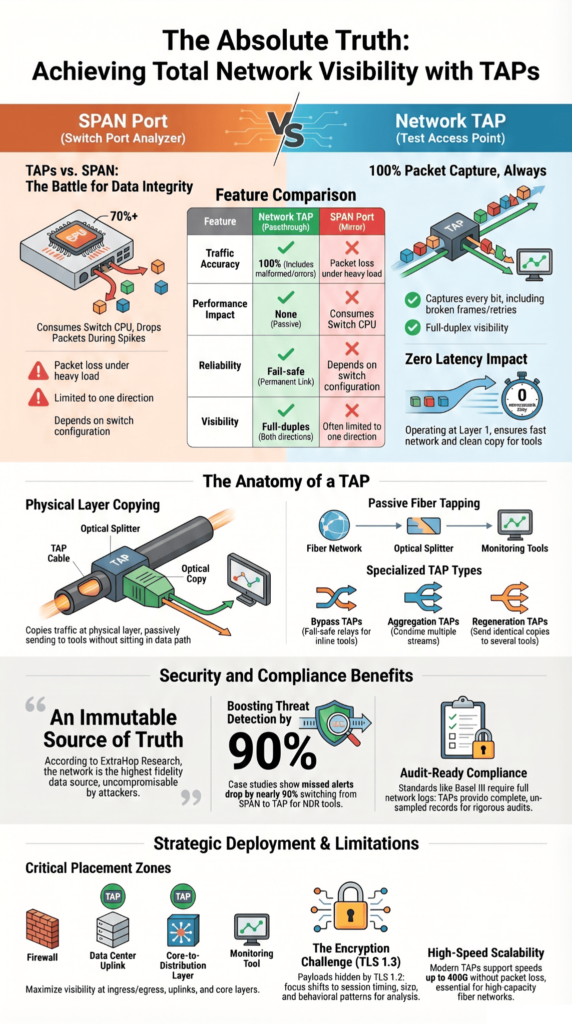
We often run into limits with Monitoring Ports. As traffic volumes rise, packets start to drop. Around 70% utilization, the gaps become hard to ignore, often tied to span limitations under load. Taps do not rely on the switch, so they keep sending everything.
That has a direct effect on network detection and response. With full data going into Network Threat Detection, alerts make more sense. There is less guessing because less data is missing.
- 100% visibility across both directions of traffic
- No added delay (0 microseconds)
- Real-time analysis with Intrusion Detection System tools
- No oversubscription issues
Nothing fancy here. The tools work better because the data is complete.
Why Do Network Taps Provide Superior Visibility Compared to SPAN Ports?
Credits: Keysight Network Visibility Test and Security
Taps copy traffic without asking the switch to do extra work. That keeps things steady.
SPAN ports depend on switch resources. Under load, they start dropping packets. We have seen this during real incidents. In one security breach, SPAN missed part of the traffic. The tap feed showed the full sequence, which made the review much easier.
As highlighted by the Corning Knowledge Center
“Port mirroring is not a good solution for Traffic Security Compliance monitoring or Lawful Intercept due to a lack of absolute fidelity. If you are running a high-data-rate system and want to ensure optimum infrastructure performance while conducting Traffic Security Compliance monitoring. You must monitor at the physical level. A network tap, versus port mirroring, allows you to do that.” – Corning Knowledge Center
There is also the issue of direction. SPAN often captures only one side, which leaves gaps for network security systems.
| Feature | Network TAP | SPAN Port |
| Traffic Capture | 100% accurate | Packet loss under load |
| Performance Impact | None (passive) | Uses switch CPU |
| Visibility | Full-duplex + errors | Partial visibility |
| Reliability | Fail-safe | Depends on setup |
- SPAN drops packets during high load (>70%)
- Limited view of error packets
- Setup errors can create gaps
We use taps when we need the full picture. They keep the data intact, even when the network is busy.
How Does Passive Deployment Improve Network Monitoring Accuracy?
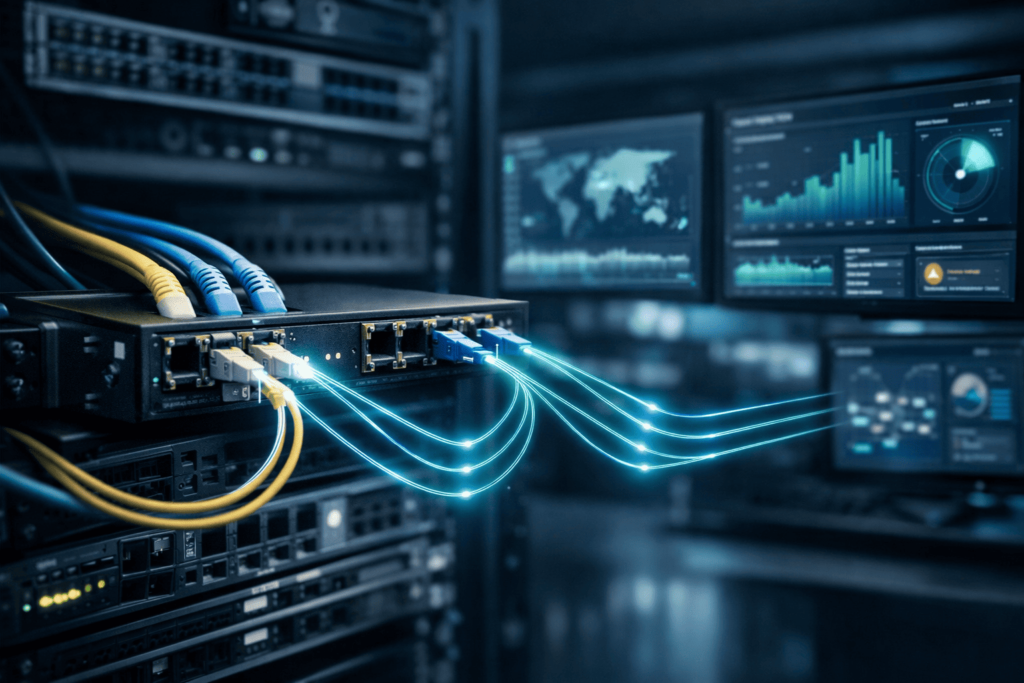
Passive deployment copies network traffic without touching it. The packets stay as they are.
We stick with Passive TAPs in the data center because they do not depend on switch settings. Once they are in place, they keep working. No tuning, no surprises later. That helps when we check network protocols or go back through traffic after an incident.
On fiber, the tap splits light using an Optical splitter or a fused biconical taper. The split ratio decides how much signal goes each way, which varies across different fiber tap types. In most cases, the loss is small and predictable.
Vendors like Garland Technology say these taps support 10G to 400G without packet loss. That lines up with what we see on busy fiber optic networks.
- No IP or MAC changes
- Not tied to configs
- Handles high speeds
- Keeps data integrity
The feed stays clean. What the tool sees is what passed on the wire.
What Visibility Benefits Do Network Taps Unlock for Security and Analytics?
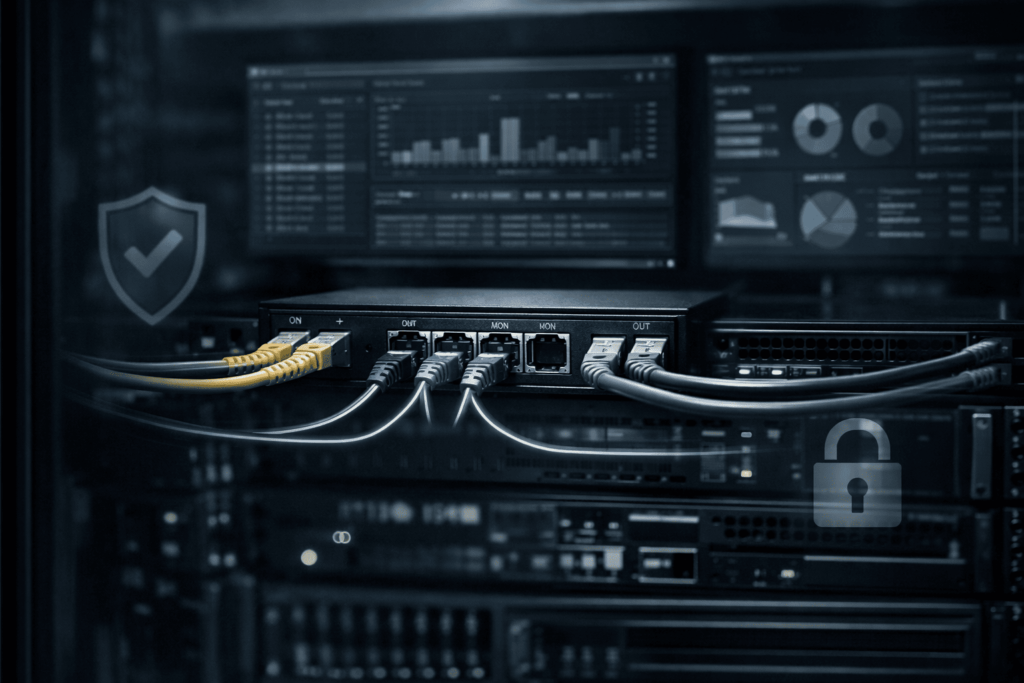
Taps give the full packet stream. That changes how network security tools behave.
We have tested Network Threat Detection with and without taps. With full traffic, the results are easier to trust. Our models and risk tools pick up links they would miss with partial data. Working with MITRE ATT&CK also feels more direct when nothing is missing.
Research from ExtraHop Research & Expert Blog shows
“Notably, the network provides security teams with the highest fidelity data source for early threat detection and forensic investigation. The network can’t be compromised or disabled by attackers the way logs and endpoint agents can. It’s an immutable source of truth. NDR solutions can provide visibility into every packet sent and received [through a TAP or packet broker].” – ExtraHop Research & Expert Blog
Traffic can move through Packet Brokers or Network Packet Brokers to tools like Performance Monitoring Systems and Intrusion Detection System platforms.
- Real-time detection with full data
- Clearer review after incidents
- Access to encrypted traffic metadata
- Better security posture
In one case, missed alerts dropped close to 90% after we switched the data source. The tools stayed the same.
Where Should Network Taps Be Deployed for Maximum Visibility?
Placement makes the difference. More taps do not always mean better results.
We look at the network infrastructure and choose points where traffic passes through key paths. That keeps coverage wide without adding noise.
Common spots are data center uplinks, firewall edges, and core layers. These carry most of the network traffic, so they give a useful view.
- Data center uplinks
- Firewall ingress and egress
- Core to distribution layers
- Cloud and hybrid links
Before placing anything, we sketch the layout, often with a Visio diagram. It helps us see gaps across network segments.
On fiber links, we also check Power Budget Management. That keeps the signal stable after the tap is added.
What Are the Limitations of Network Visibility Even with Taps?
Taps give you everything on the wire. What they can’t give you is what’s locked inside it.
We run into this with encryption all the time. Most traffic is HTTPS now, and with TLS 1.3, the payload stays hidden. You still see the session, the size, the timing. The content itself is out of reach.
Things get messier in hybrid setups. Some traffic inside VPN channels or between cloud services never crosses a tap point. We have traced issues where east-west traffic stayed inside one segment the whole time.
At that point, we shift how we look at it. Instead of payload, we lean on patterns. Our threat models and risk tools still work, but they rely on behavior, not content.
- TLS 1.3 hides payload content
- East-west traffic can bypass taps
- Hybrid and cloud paths leave gaps
Taps still show more than anything else at the packet level. They just don’t show everything.
How Do Network Taps Support Compliance and High-Stakes Environments?
In some environments, partial data is not acceptable.
We have worked with teams in finance and healthcare where audits depend on full network logs. Standards like Basel III expect a clear record. Missing packets raise questions no one wants to answer later.
A tap keeps a full copy of traffic. No filtering, no sampling. During a review, teams can replay what happened and follow it step by step.
We use that same data in our risk analysis work. It holds up because it matches what actually crossed the network.
- Full packet capture for audits
- Supports compliance checks
- Allows long-term storage
- Strengthens security solutions
The value shows up later, during audits or investigations, when the details need to line up.
FAQ
What makes a Network TAP better for full network visibility?
A Network TAP provides a complete copy of network traffic directly from the physical layer. It does not drop packets, even during high traffic levels, which ensures accurate network monitoring. T
his approach supports full-duplex traffic and improves Network Visibility across the network infrastructure. As a result, security systems can analyze data properly while maintaining strong data integrity.
How do Passive TAPs and Active TAPs work in real networks?
Passive TAPs use an Optical splitter to copy data in fiber optic networks without requiring power. Active TAPs require power and support signal regeneration to maintain signal strength.
Both TAP types allow monitoring devices to access network traffic across different network segments. The choice depends on traffic volumes, Power Budget, and the design of your network architecture and network cabling.
Can Network TAPs improve network security and breach detection?
A Network TAP improves network security by providing full access to network traffic in real time. This visibility supports tools such as an Intrusion Detection System and Deep Packet Inspection.
With better Network Visibility, security teams can detect a security breach faster. It also strengthens network detection and response processes and enhances the overall security posture of network security systems.
What TAP types should I use for different network monitoring needs?
Different TAP types serve different purposes in network monitoring. A Bypass Tap uses a Fail-Safe Relay to keep traffic flowing during a failure. An Aggregation Tap combines traffic from multiple network segments into one stream.
A Regeneration Tap sends identical copies to several Monitoring Ports. These options help network monitoring software, Packet Analyzers, and Performance Monitoring Systems operate efficiently in a data center.
How do Network TAPs support modern monitoring tools and data analysis?
Network TAPs deliver accurate data to Packet Brokers and network monitoring software for analysis. This data supports network diagnostics, network logs, and data filtering processes.
Tools such as Smart PCAP and Traffic Management systems rely on this visibility. It also enables monitoring agents, virtual TAPs, and virtual ports to function effectively while handling increasing traffic volumes.
Turning Network Visibility into Action
You were never meant to just watch your network, you were meant to command it. Visibility alone is like a control tower full of signals, but no one moving the levers. Network taps show you the truth, clear and complete. But truth only matters when you act on it, when you move from watching risk to stopping it before it spreads.
So ask yourself, are you still watching, or ready to act? Waiting feels safe, but it isn’t. Small gaps grow fast. The next step is yours. Start with Network Threat Detection and turn what you see into real protection.
References
- https://www.corning.com/data-center/worldwide/en/home/knowledge-center/do-you-control-your-network.html
- https://www.extrahop.com/blog/what-is-network-detection-and-response-NDR
