
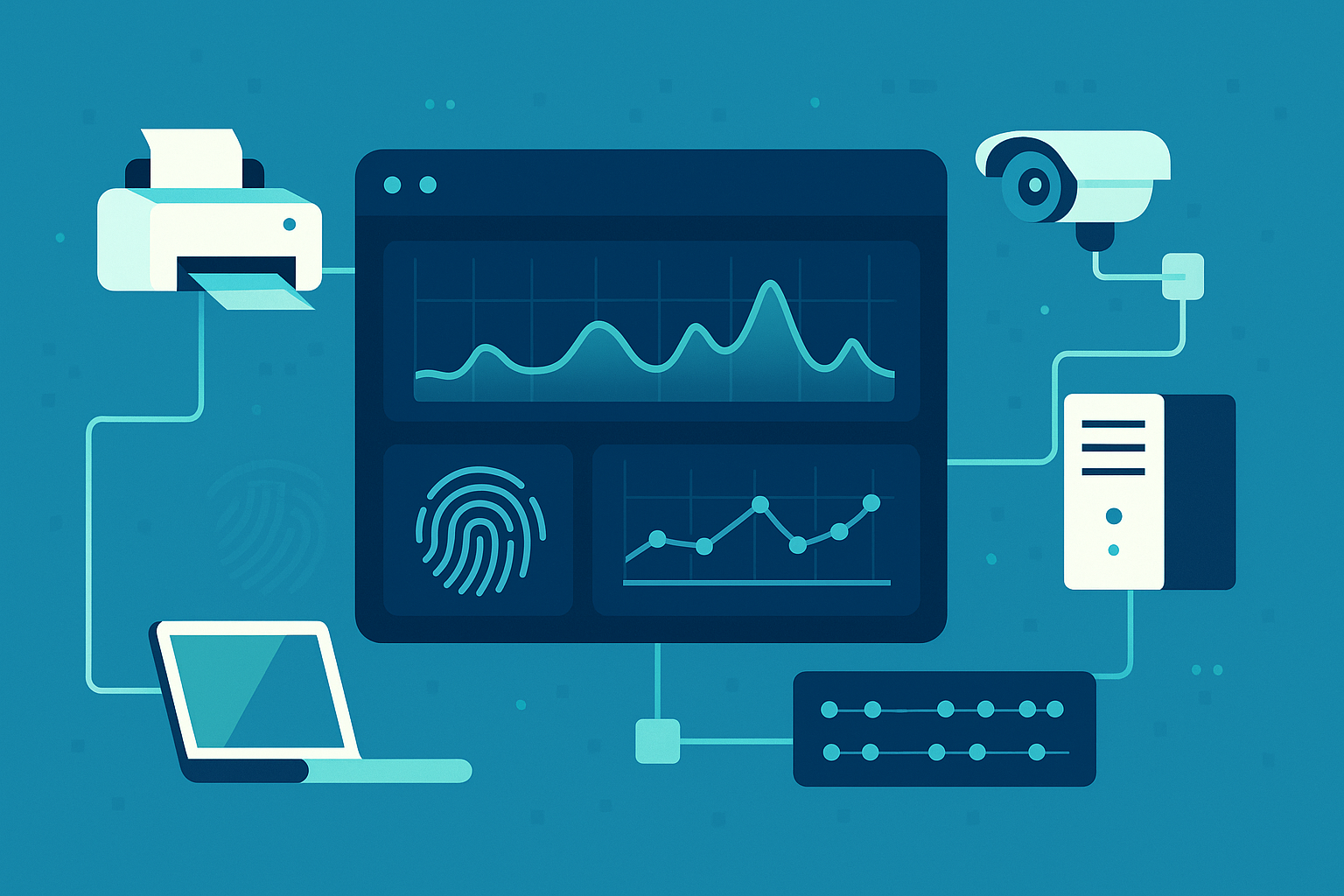
Profiling network device behavior means teaching your system what “normal” looks like for every device, then spotting even small changes.
When a quiet printer suddenly sends gigabytes of data overseas, or a camera starts talking on a strange port, that isn’t random, it’s a warning.
By watching patterns, who talks to whom, how often, and in what way, you turn background traffic into a clear story about health and risk.
This approach deeply aligns with understanding normal user behavior patterns, which provides the foundation to distinguish between expected and suspicious activity on your network.
Over time, this doesn’t just monitor your network, it sharpens it, so each day it reacts faster and with more context. Keep reading to see how this works in practice.
Key Takeaways
- Establishing a Baseline: You learn each device’s unique “voice” by tracking its normal traffic patterns, connection habits, and protocol use.
- Spotting the Anomaly: Machine learning algorithms automatically flag deviations, like a quiet device becoming chatty or a new, unexpected connection.
- Automating a Response: The system can isolate a compromised device in real-time, stopping threats faster than any manual review.
The Rhythm of a Normal Network
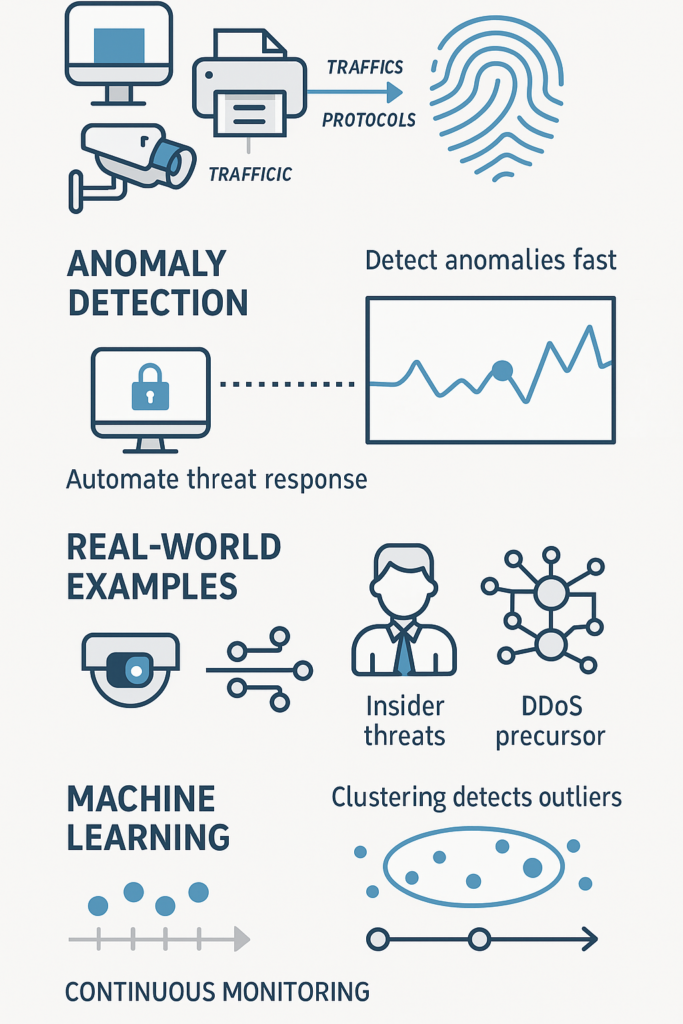
You walk into a busy control room. Screens flicker with graphs and data streams. It seems like chaos, but the operators can spot a problem in an instant [1].
They know the normal rhythm. That’s what profiling network device behavior does for your network. It learns the rhythm so you can hear the wrong note.
This isn’t about complex signatures or lists of known bad actors. It’s simpler, and in many ways, more powerful. You start by passively watching.
Every device, from the CEO’s laptop to the HVAC sensor in the ceiling, has a personality. It talks to certain other devices, at certain times, using certain protocols.
A web server communicates on port 80 or 443. A file server has predictable spikes during backup windows.
You collect this data, IP addresses, ports, data volumes, connection frequencies, over weeks to months (e.g., 30-90 days for robust baselines). This history becomes the baseline, the definition of “normal” for each device.
The Building Blocks of a Profile
How do you actually build this digital fingerprint? It starts with simple observations.
- Passive Identification: Tools listen to network chatter without interrupting it. They analyze DHCP requests when a device joins the network, look at HTTP User-Agent strings from web browsers, and inspect the details of TCP SYN packets.
Even a simple scan of open ports can tell you if a device is a Windows machine, a Linux server, or an IoT camera.
- Behavioral Analysis: This is where you move from what the device is to how it acts. You track the volume of data it sends and receives.
You note how often it makes connections and to whom. You learn its login patterns and the specific network services it uses.
Over time, a clear picture emerges. The marketing department’s file server is busy during business hours but quiet at night. That’s its profile.
The goal is to create a living understanding. A profile isn’t a static picture. It’s a movie of the device’s life on your network.
This continuous monitoring allows the system to adapt to gradual, legitimate changes, like a new software rollout, while remaining sensitive to sudden, suspicious shifts.
Think of a factory floor. Dozens of sensors monitor equipment. Each has a predictable pattern of communication. If a temperature sensor that usually sends a small packet every minute suddenly starts streaming constant data, the system doesn’t need to know why.
It just knows that’s abnormal. It can then alert an engineer or even shut down the sensor to prevent a cascade failure. This principle scales to an entire corporate network, protecting against threats that have no known signature.
How Algorithms Learn Your Network’s Habits
With baselines established, the real magic begins. You can’t have a human watching every device, every second.
This is where machine learning models come in. They are the ever-vigilant operators in the control room.
These algorithms, particularly clustering and unsupervised learning models, are perfect for this task. They don’t need to be taught what an attack looks like.
Instead, they learn the normal patterns and then automatically flag any significant statistical outlier.
This technique mirrors the principles behind behavioral analysis for threat detection, where subtle deviations from established baselines reveal hidden threats before damage occurs. It’s a subtle but crucial difference.
A spike in outbound traffic from a normally quiet device. A connection to a server in a geo-location the device has never contacted before.
Irregular usage of a network protocol. The model scores these deviations based on how far they stray from the established baseline.
This approach is exceptionally good at finding novel threats. A new piece of malware might bypass all traditional virus definitions, but it will almost certainly cause the infected device to act strangely.
It might try to “phone home” to a command-and-control server or scan other devices on the network. These actions create a ripple in the device’s behavioral profile that the machine learning model can detect.
It’s like noticing a friend is acting completely out of character. You don’t need to know the exact reason to know something is wrong.
The system creates a risk score for each device. A low score means the device is behaving as expected. A high score indicates a potential problem.
This prioritization is vital. It ensures that security teams focus their limited attention on the most likely threats, reducing alert fatigue and speeding up response times.
The system gets better over time, learning from new data and refining its understanding of what constitutes normal behavior for your specific environment.
Real-World Defense Through Device Profiling
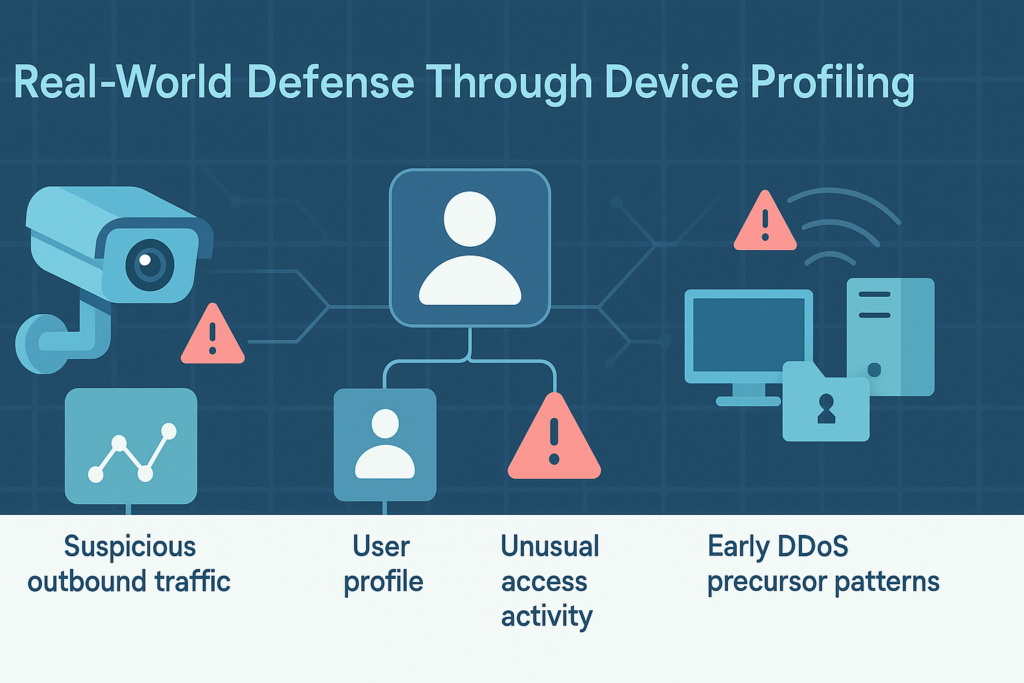
So what does this look like in a real security scenario? The applications are vast, but a few stand out for their impact.
Containing IoT Compromises. IoT devices are often the weak link in network security. They can be difficult to patch and are notoriously insecure. Profiling is a powerful defense.
Much like how User Entity Behavior Analytics UEBA extends visibility beyond users to all connected devices, profiling network behavior offers a comprehensive lens to catch even the stealthiest intrusions.
An IP camera, for example, typically only sends video data to a specific internal server. If that camera suddenly starts making encrypted outbound connections to an unknown IP address on the internet, that’s a massive red flag.
It could be part of a botnet. Behavioral profiling would spot this immediately, allowing you to quarantine the camera before it can cause damage or exfiltrate data.
Unmasking Insider Threats. This technology isn’t just for dumb devices. It can profile user behavior as well. It learns what a typical day looks like for an employee, the applications they use, the servers they access, the time they log in.
If an employee’s account suddenly starts accessing sensitive financial databases at 3 a.m., or transferring large amounts of data to a personal cloud storage service, the system flags it.
This helps detect compromised user accounts or malicious insiders, activities that are often invisible to other security tools.
Thwarting DDoS Precursors. Before a full-scale Distributed Denial-of-Service attack launches, there are often signs.
Compromised devices inside your network might start performing small-scale scans or communicating with each other in new patterns as they are recruited into a botnet especially in east-west traffic during botnet formation phases
Profiling network behavior can detect these subtle traffic surges and unusual connection patterns early, giving you a chance to investigate and mitigate the threat before your services are knocked offline. It shifts security from a reactive to a proactive stance.
Building Your Behavioral Defense System
Implementing this strategy requires thought. You can’t just flip a switch. You start by defining clear objectives. What are you most concerned about? Insider risk? IoT security? Operational stability? Your focus will guide your approach.
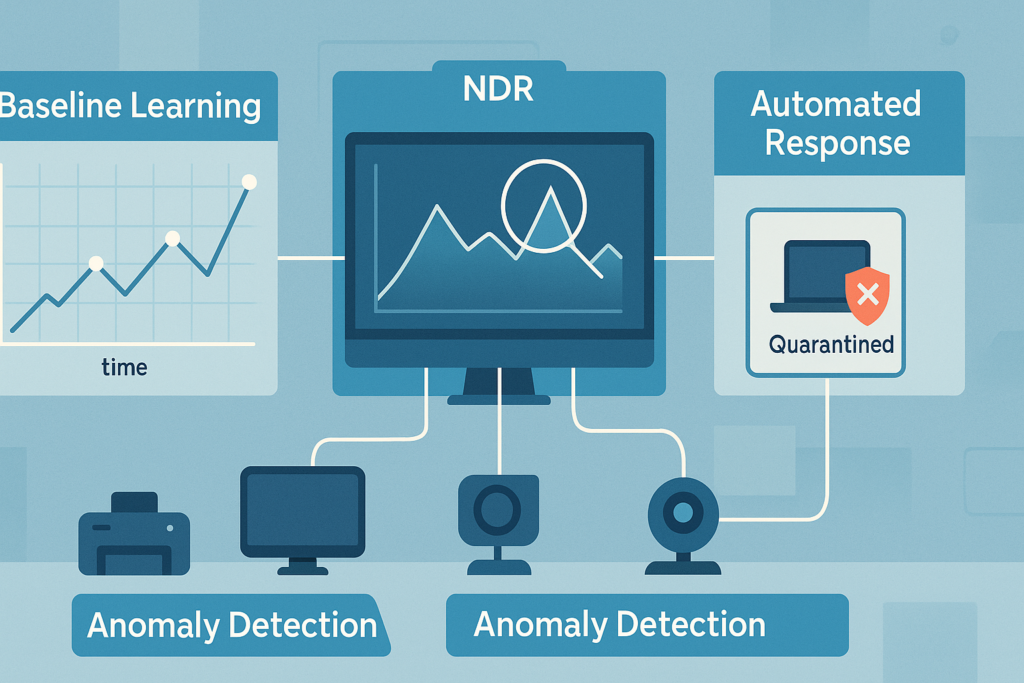
You then choose your techniques and tools. Network Detection and Response (NDR) platforms are built for this kind of analysis [2].
They collect flow data (like NetFlow or IPFIX) and often full packet data to build rich behavioral profiles. The key is to establish those baseline profiles for all your critical devices first. This initial learning period is crucial. You’re teaching the system what “good” looks like.
The work doesn’t stop there. You must continuously monitor and update the profiles. A device that gets a new piece of software will legitimately change its behavior.
The system needs to learn this new normal. Finally, and most importantly, you integrate the profiling system with your security incident response process.
When an anomaly is detected, what happens next? The best systems can automate a response, like isolating a device on the network, while alerting the security team.
This combination of automated detection and informed human response creates a resilient security posture.
The New Language of Network Security
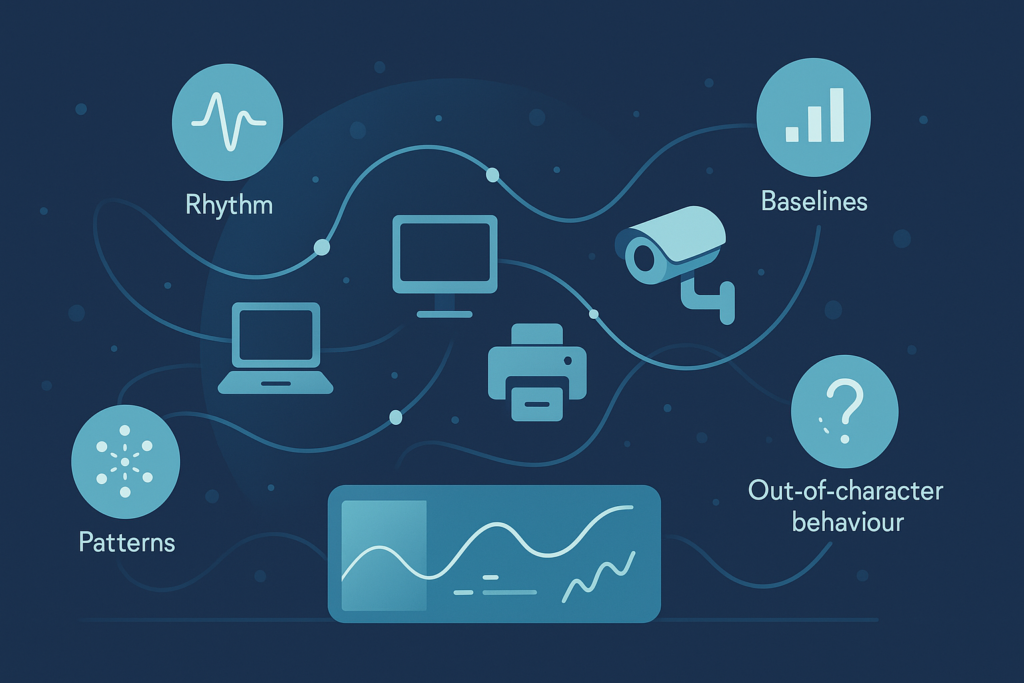
Profiling network device behavior is ultimately about gaining a deep, situational awareness of your digital environment. It moves you from simply having a network to understanding it.
The constant flow of data is no longer noise, but a narrative. Each device has a role, a pattern, a story. By learning that story, you empower yourself to protect it. The next time a silent alarm triggers on your security console, it won’t be from a known threat.
It will be because something on your network simply started acting out of character. And you’ll be ready. Start listening to your network today, it’s already talking.
FAQ
What does profiling network traffic patterns help me understand about device behavior?
Profiling network traffic patterns helps you see how devices act during normal use. It shows device usage patterns, network flow behavior, and packet behavior analysis in a clear way.
By watching these signals over time, you can spot unusual device activity patterns. This approach supports network posture assessment and helps you understand when a device’s behavior changes.
How can device behavior analytics help me find hidden problems faster?
Device behavior analytics helps you monitor device activity and endpoint behavior monitoring in real time. It shows network communication patterns, network protocol behavior, and device communication anomalies before larger issues appear.
With adaptive behavior modeling and behavioral anomaly detection, you can notice changes early. It becomes easier to react when devices show abnormal device signaling or unexpected network access behavior.
Why does network device fingerprinting matter for daily security?
Network device fingerprinting helps you build user and device behavior profiles that stay consistent. It tracks persistent device identity behavior, device communication fingerprinting, and device communication baselines.
When a fingerprint shifts, the system may detect device anomaly scoring or network flow deviation detection. These signals help you understand when a device is no longer behaving as expected.
How does machine learning network behavior improve threat detection?
Machine learning network behavior studies network flow analytics, endpoint telemetry profiling, and dynamic behavior analysis to find unusual actions.
It can notice behavioral network signatures, traffic anomaly scoring, and anomalous connection behavior that humans may overlook. It also detects network device fingerprint drift.
These signs help you respond early and support behavioral threat detection across your network.
What signs show that a device may be at risk or acting strangely?
A device may be at risk when device traffic signatures change or when network segmentation behavior shifts from normal patterns. You might also see device interaction patterns that do not match past use.
Systems may warn you through rogue device behavior detection or IoT device behavior profiling. When device profiling automation reports behavior-based intrusion detection, you should investigate further.
Why Behavioral Profiling Is Your Network’s Early-Warning System
Profiling network device behavior transforms security from reactive to intuitive. By learning each device’s natural rhythm, you gain a living map of your environment, one that exposes threats the moment they disrupt the pattern.
This behavioral lens detects the subtle, the novel, and the invisible, giving you the power to act before damage occurs.
When your network speaks, you finally understand every signal. Start listening now, and turn awareness into defense. Ready to strengthen your visibility? Join the movement
References
- https://www.techtarget.com/searchnetworking/definition/network-operations-center
- https://www.sangfor.com/blog/cybersecurity/13-best-network-detection-and-response-ndr-solutions
