
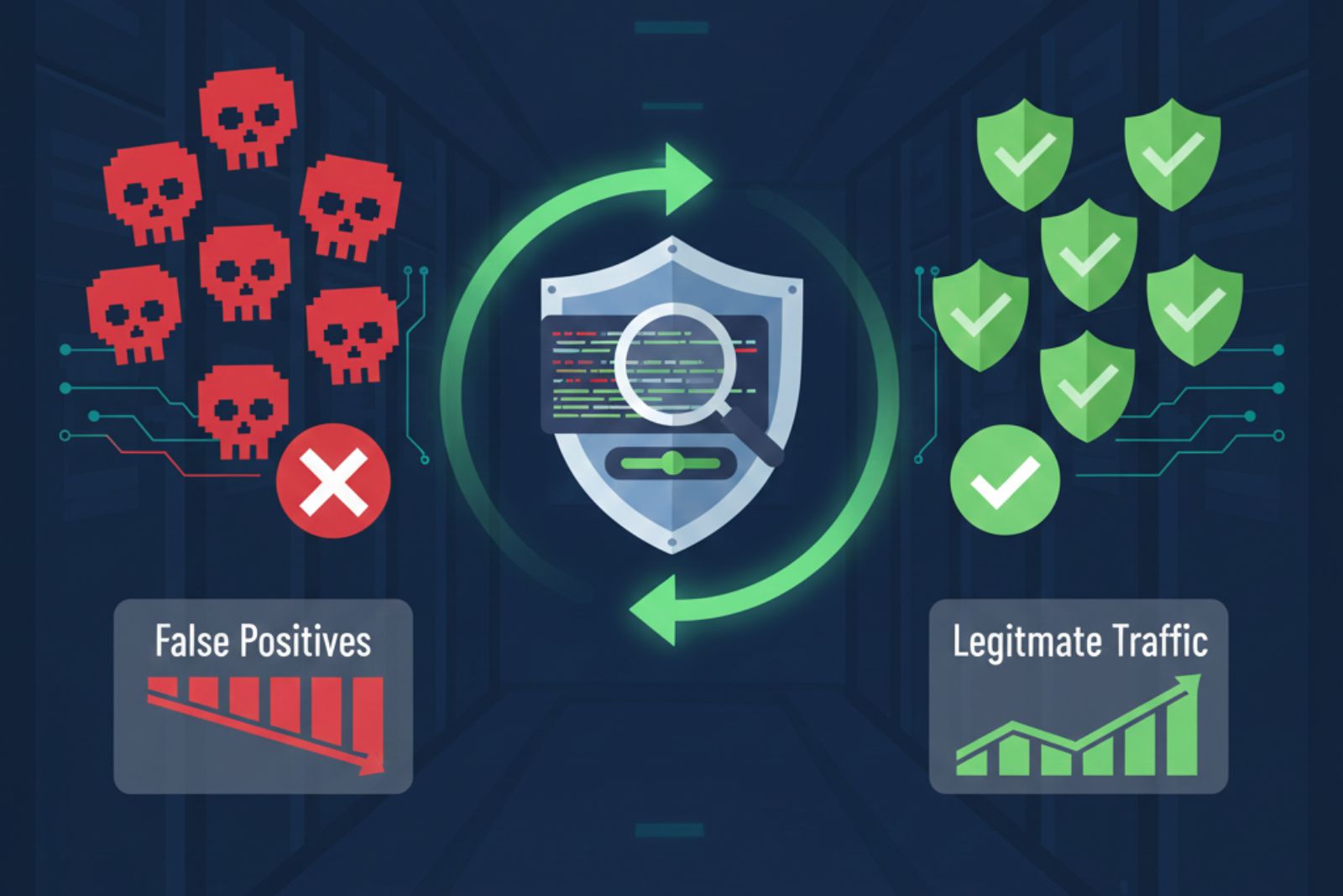
Tuning signature based alerts is the essential process of adjusting your IDS/IPS rules to stop the flood of false alarms and start catching real threats. If you’re tired of sifting through hundreds of irrelevant alerts to find the one that matters, you’re not alone. Most systems, left on their default settings, generate an overwhelming amount of noise.
This guide walks you through a practical, methodical approach to calibration. We’ll show you how to transform your security operations from chaotic to controlled. Keep reading to reclaim your time and your peace of mind.
Key Takeaways
- Systematically analyze alert data to identify and prioritize noisy signatures.
- Adjust sensitivity thresholds and tailor filters for your specific environment.
- Commit to continuous monitoring and review as your network and threats evolve.
The Overwhelming Noise of Default Settings
We know the feeling. The console lights up with hundreds of alerts, and that sinking sensation sets in. It’s like a car alarm that goes off every time a leaf blows by.
Everyone ignores it. This alert fatigue is more than just an annoyance; it causes real threats to be missed. Analysts burn out, and critical signals get lost in the cacophony. The default settings of any signature-based system are designed to be broad, to cast a wide net. That net catches everything, including all the seaweed.
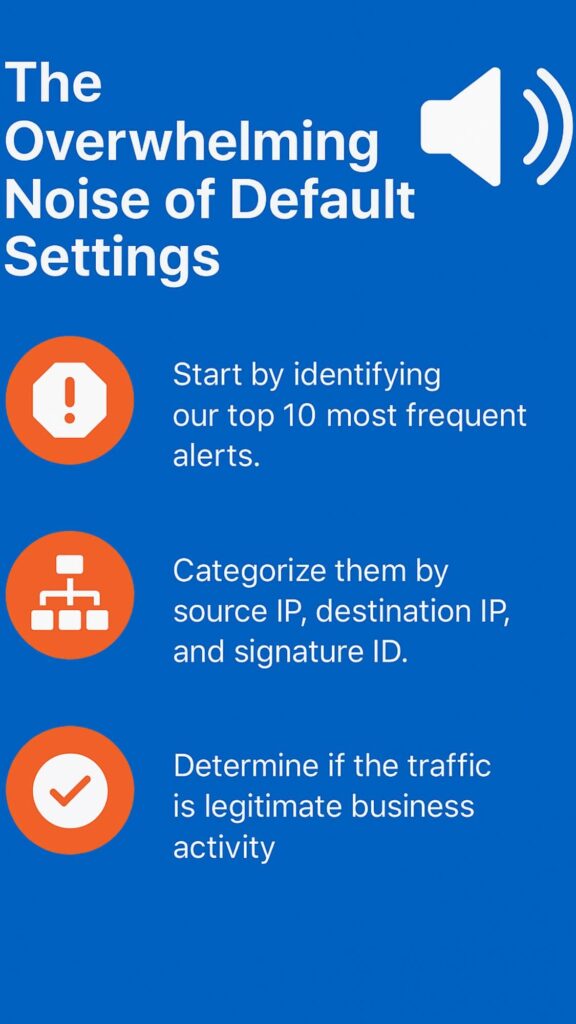
- Start by identifying our top 10 most frequent alerts.
- Categorize them by source IP, destination IP, and signature ID.
- Determine if the traffic is legitimate business activity.
A Methodical Approach to Analysis In Tuning Signature Based Alerts

Before we change a single setting, you have to understand what you’re dealing with. This means diving into the alert data with a specific set of questions. Which signatures are firing the most?
Where is the traffic coming from? Is it going to a critical server or just a user’s desktop? This initial analysis phase is the foundation for everything that follows. It’s detective work.
Understanding how your IDS/IPS behaves starts with mastering the fundamentals of signature-based detection explained, giving you the foundation needed to interpret noisy alerts with confidence.
We’re looking for patterns that separate benign activity from malicious intent. Don’t make assumptions. A signature triggering from your web server might be more critical than the same signature triggering from a marketing intern’s machine (1).
Identifying High-Noise Signatures for Faster Tuning
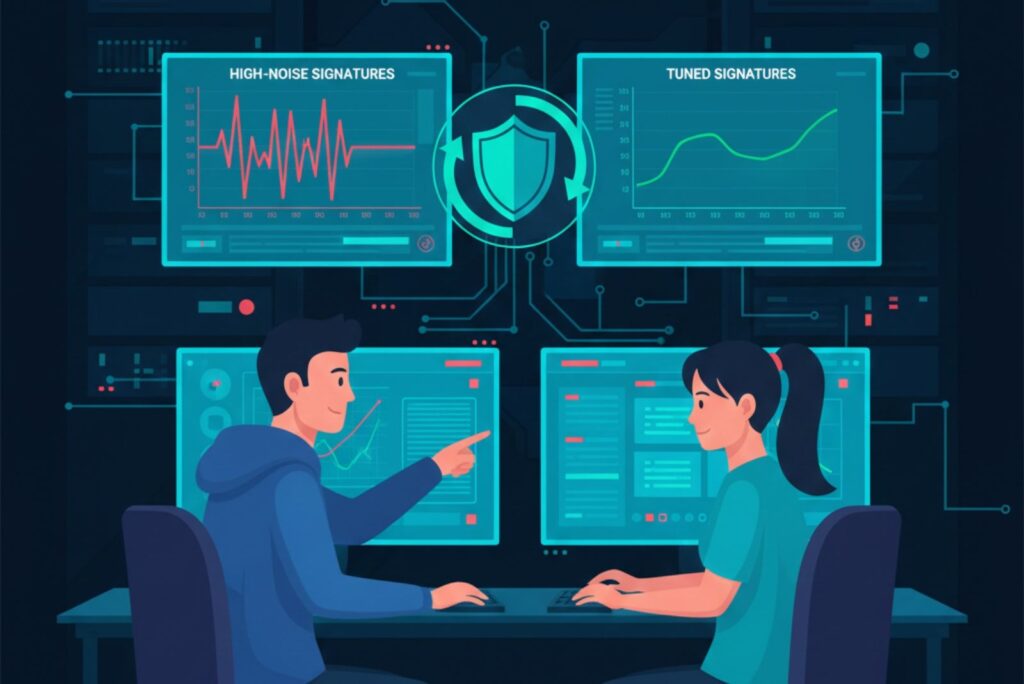
This is where you begin to prioritize. A high-severity alert from a critical asset demands immediate attention. A low-severity alert from a non-critical asset might be a candidate for suppression, or at least a lower priority.
The key is context. The same packet of data can be harmless in one context and devastating in another. Your tuning decisions must reflect your environment’s unique risk profile. What’s a threat to a bank might be normal for a university. This process can feel slow at first, but it’s an investment. Each correct tuning decision saves you countless hours of future investigation.
We recommend starting with a one-week snapshot of all your alerts. Export the data and sort it. We’ll likely see a small group of signatures responsible for a large percentage of the total noise. Those are your primary targets.
Attackers constantly adapt, and many use signature evasion techniques that exploit overly broad or outdated rules, making it even more important to prioritize and tune noisy signatures accurately.
Focus your initial tuning efforts there. The payoff will be immediate and significant. You’ll quickly reduce the overall volume, making it easier to spot the anomalies that truly matter.
Fine-Tuning Sensitivity and Filters
Once you’ve identified the noisy signatures, it’s time to adjust the dials. This involves two main actions: adjusting sensitivity thresholds and creating tailored filters. Sensitivity thresholds control how sure the system needs to be before it generates an alert.
Sometimes, you can afford to raise this bar a little. For example, a signature that detects a certain type of scan might be set to alert after 10 attempts. If you’re getting flooded, maybe it’s safe to change that to 50 attempts within a minute. You’re still catching the sustained attack, but you’re ignoring the casual probing.
Building a Trusted Zone in Your Monitoring Policy
Source: The CISO Perspective
Filtering is your most powerful tool. This is where you teach the system to ignore known-good traffic. The most common filters are based on IP addresses. Is there a trusted partner network that constantly triggers a particular alert?
You can create a whitelist filter for that source IP range. Similarly, you can filter out traffic from your own vulnerability scanning tools. They’re supposed to find weaknesses, and their activity will look like an attack. Filtering them prevents a huge source of false positives. The goal is to create a “trusted zone” within your monitoring policy.
- Whitelist trusted internal subnets and partner networks (2).
- Create exceptions for authorized scanning and management tools.
- Filter out known, benign applications that trigger deep packet inspection.
Avoiding Blind Spots in Whitelisting
But be careful. Filtering is powerful, and with great power comes great responsibility. We must be absolutely certain that the traffic you’re filtering is safe. A mistake here could blind you to a real attack. Always document your filters. Know why we created each one and review them periodically.
As your network changes, so should your filters. An IP address that was once a developer’s test machine might later become a production server. Your filters need to evolve with your infrastructure. This isn’t a set-it-and-forget-it operation. It’s a living, breathing part of your security posture.
If we must suppress certain alerts or allow noisy activity, we can reduce risk by implementing compensating controls for signatures to ensure that tuning decisions don’t create dangerous monitoring gaps.
The Role of Continuous Intelligence and Review
Tuning is not a project with an end date. It’s a cycle. The threat landscape shifts daily, and your network is constantly changing. New applications are deployed, employees come and go, and business processes evolve.
Your signature tuning must adapt. This is where continuous monitoring and periodic reviews come in. We suggest setting a calendar reminder for a quarterly tuning review. Sit down with your alert data from the past three months and ask the same questions you did at the start. Have new noisy signatures emerged? Have old filters become obsolete?
Integrating External Intelligence Into Signature Sensitivity
Incorporating external threat intelligence can also refine your tuning. If a new critical vulnerability is announced, you might temporarily lower the threshold for related signatures. Or, if intelligence indicates a specific adversary is targeting your industry, you can ensure.
Threat Intelligence–Driven Adjustments
This ongoing process is what separates a mature security operation from a reactive one. It’s the difference between constantly fighting fires and having a fire prevention system in place. The work you put into tuning compounds over time, steadily increasing your efficiency and your detection accuracy.
FAQs
How long does it take to tune a signature-based system?
The initial tuning usually takes two to four weeks if you work on it daily. You’ll spend time looking at alerts, finding patterns, and making changes. After that, maintenance takes just a few hours each month.
The time investment pays off quickly because you’ll spend less time chasing false alarms. Every environment is different, so your timeline might vary. Start small with your noisiest signatures first, and you’ll see results fast.
What happens if I accidentally filter out a real threat?
If you accidentally whitelist something dangerous, you could miss real attacks. That’s why documentation is so important. Write down every filter you create and why you made it. Test your filters carefully before applying them to production.
Start with narrow filters that only affect specific traffic. Review your filters regularly to catch mistakes. If you discover an error, remove the bad filter immediately and investigate whether any incidents were missed during that time.
Can I automate the signature tuning process?
Yes, some automation is possible and helpful. Many modern security tools have machine learning features that suggest tuning changes. These tools can identify patterns faster than humans.
However, you should never fully automate tuning without human review. The final decision should always involve a security analyst who understands your business. Automation works best for gathering data and highlighting issues. Use it as an assistant, not a replacement for your expertise and judgment.
How do I know if my tuning is actually working?
Track your metrics before and after tuning. Count how many alerts you get each day and how many are real threats versus false positives.
A successful tuning effort will show a big drop in total alerts while catching the same or more real incidents. Your team should also feel less stressed and more confident. If analysts are investigating faster and finding more genuine problems, your tuning is working. Create a simple dashboard to watch these numbers over time.
Should I tune differently for different network segments?
Absolutely yes. Your web servers, office computers, and database systems all have different normal behavior. What’s suspicious in one area might be totally normal in another. Create separate tuning profiles for each network segment.
Your DMZ might need stricter monitoring than your guest WiFi network. Critical assets like financial systems deserve tighter, more sensitive rules. This segmented approach helps you catch threats while reducing noise in low-risk areas.
What if my team disagrees on which alerts to suppress?
Disagreements are normal and actually healthy for security. Create a clear decision-making process with specific criteria. Consider factors like asset criticality, alert frequency, and business impact.
Document your reasoning for each decision so others can understand it later. You can always suppress it later after gathering more evidence. Team consensus builds a stronger security program overall.
How often should I update my signature database?
Update your signature database at least once per week, though daily updates are better. New threats emerge constantly, and vendors release updated signatures to detect them. Schedule automatic updates during low-traffic periods to minimize disruption.
After each update, watch for new false positives that might appear. Some new signatures might be too sensitive for your environment. Treat signature updates as an ongoing maintenance task, not a one-time event.
Can tuning help with compliance requirements?
Yes, proper tuning actually helps with compliance in multiple ways. Many regulations require you to have effective monitoring systems. An untuned system generating thousands of false positives doesn’t meet that standard.
Tuning shows auditors that you’re actively managing your security tools. It also makes compliance reporting easier because your data is cleaner and more accurate. Document your tuning process and keep records of changes. This documentation proves due diligence to auditors and regulators.
What’s the biggest mistake people make when tuning signatures?
The biggest mistake is tuning too aggressively too fast. People get frustrated with false positives and start suppressing alerts without proper analysis. This creates dangerous blind spots in your monitoring.
Another common error is not documenting changes, so nobody remembers why filters exist. Take your time and be methodical. Test changes in a monitoring-only mode first when possible. Always understand what you’re filtering and why. Patience and careful documentation prevent most tuning disasters.
Do I need special tools to tune signatures effectively?
You don’t need expensive tools to start tuning, but some tools definitely help. At minimum, you need a way to export and analyze your alert data. A spreadsheet program can work for basic analysis.
As you mature, consider SIEM platforms that offer built-in tuning features and visualization. Log management tools help identify patterns quickly. The most important tool is actually your knowledge of your network and business. Understanding your environment matters more than fancy software.
Your Path to a Quieter, More Effective SOC
Tuning signature-based alerts is fundamentally about regaining control. It’s the disciplined practice of shaping a generic tool into a precise instrument tailored for our environment. The journey from noise to clarity begins with honest analysis, moves through careful adjustment, and is sustained by vigilant review.
By embracing this cycle, we can transform your security monitoring from a source of stress into a trusted asset. And if you’re ready to enhance that confidence with proactive threat modeling, automated risk analysis, and deeper network visibility, Network Threat Detection can help.
The goal is a system that works for you, not against you. Start with one signature this week. The silence will be rewarding.
References
- https://www.researchgate.net/publication/360908209_Measuring_user_interactions_with_websites_A_comparison_of_two_industry_standard_analytics_approaches_using_data_of_86_websites
- https://medium.com/@rameshchauhan0089/a-comprehensive-guide-to-implementing-ip-address-whitelisting-with-the-ipstack-api-87ecc4609995
