
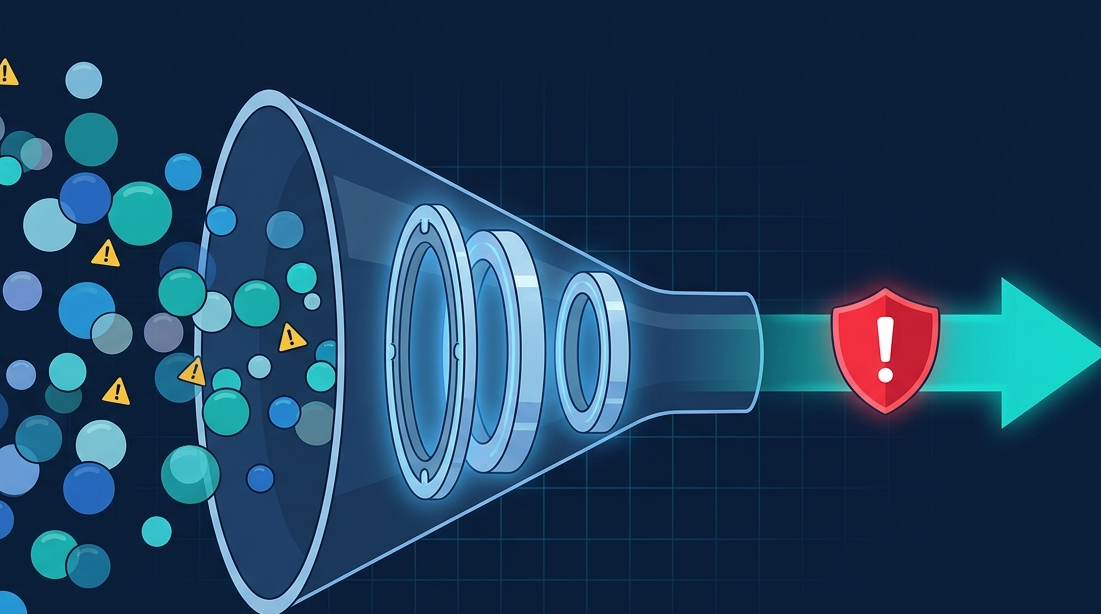
Your SIEM should help analysts find threats, not bury them under thousands of irrelevant alerts. Effective SIEM rule tuning alert management is the key to transforming noisy security data into actionable intelligence.
By refining detection rules, eliminating unnecessary alerts, and aligning monitoring with your environment, organizations can improve Network Threat Detection and help security teams focus on what truly matters. Keep reading.
Key Insights at a Glance
Small improvements in rule tuning can create a huge impact on analyst productivity and threat visibility.
- Effective tuning turns generic rules into custom detectors for your unique environment.
- The goal is a high-fidelity alert queue that an analyst can realistically review and act upon.
- Tuning is a continuous cycle of review, adjust, and validate, not a one-time setup.
Why Do Default SIEM Rules Create So Much Noise?
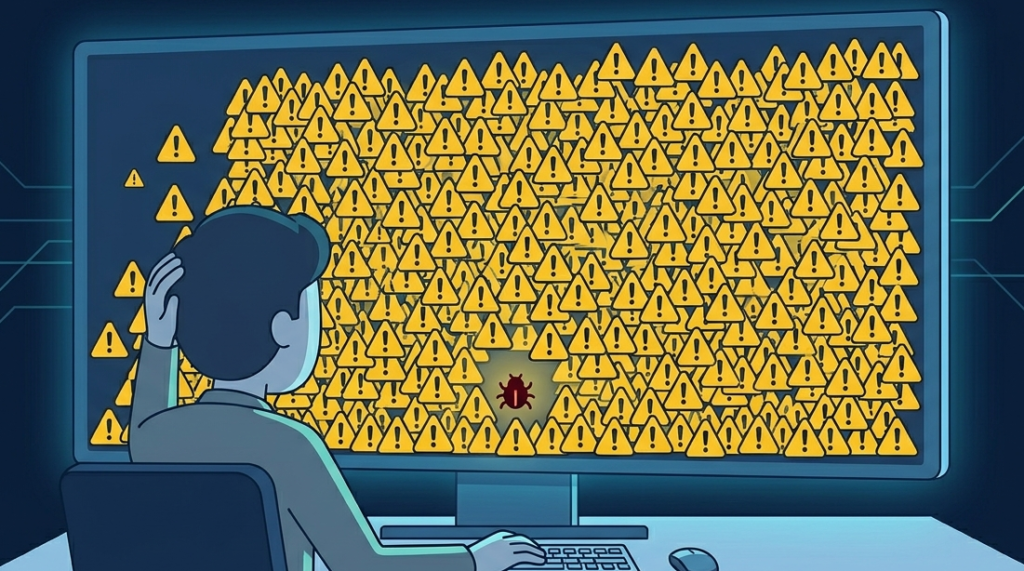
Vendor rules are built for the widest possible audience. They have to be. They’re designed to catch a potential threat in any environment, from a bank to a bakery. That means they’re overly broad.
A rule might trigger on any “failed login,” but in your company, developers might fail logins regularly while testing. That’s normal for you, but the rule doesn’t know that. It wasn’t built for your network’s personality, its quirks, its daily rhythms.
Think of it like a neighborhood watch. A default rule is someone yelling “STRANGER!” for anyone they don’t recognize. But the mail carrier is a stranger, and so is the neighbor’s cousin visiting. Soon, everyone stops listening. A tuned rule knows the mail carrier’s schedule and the cousin’s car.
It only shouts when a truly unknown person is lurking where they shouldn’t be. Your security information event management SIEM needs to learn your environment’s “normal” through tuning. Without it, you’re back to the boy who cried wolf, except the wolf is a real attacker and your team is too exhausted to care.
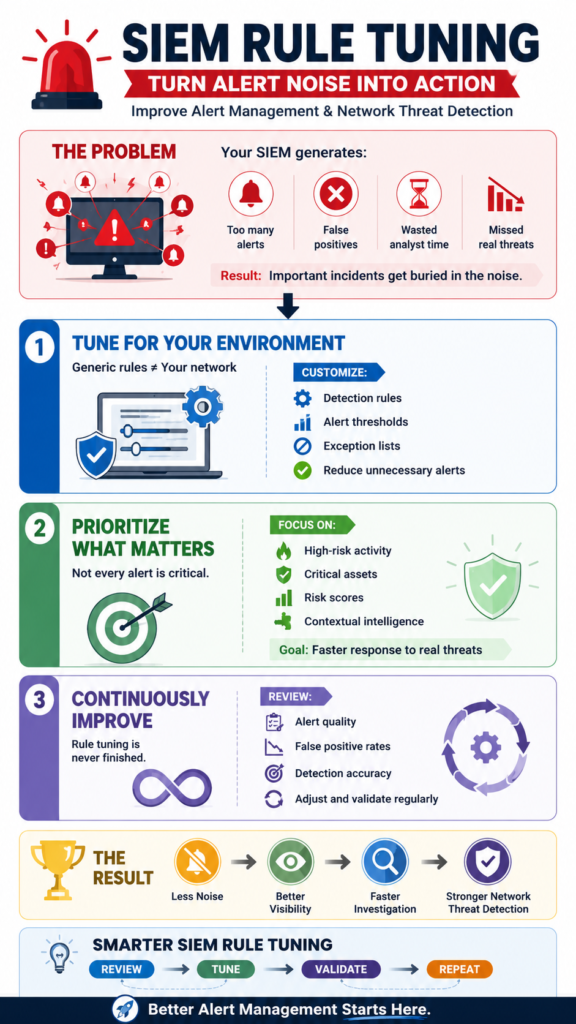
What Is the Step-by-Step Process for Tuning a SIEM Rule?
Credits: InfoSec Pandey
Tuning isn’t guesswork. It’s a methodical process. You start with data, not assumptions. Let’s take a common, noisy rule: “Multiple Failed Logins from a Single Source.”
Step 1: Gather Context. Pull a week’s worth of alerts from this rule. Don’t just count them. Look at the details. What are the source IPs? Are they your own VPN range, a known office location, or a foreign country? What usernames are failing? Are they real employees, old test accounts, or service accounts?
Step 2: Analyze for False Positives. This is where you separate the signal from the noise. You’ll likely find patterns.
Step 3: Apply Precise Adjustments. Now, modify the rule to ignore the noise while keeping the signal. Don’t just turn down the sensitivity. Use “allow lists” or “exceptions.” For example, adjust the rule to: “Multiple Failed Logins from a Single Source, excluding IPs from our corporate office range and excluding the ‘svc_scan’ service account.”
Step 4: Document and Validate. Write down what you changed and why. Then, put the tuned rule into a logging-only mode for 48 hours. Watch what it would have alerted on. If it still catches a real brute-force attempt from a malicious IP, you’ve succeeded. If it’s quiet, you’ve reduced fatigue. This validate step is non-negotiable.
How Can You Prioritize Which Rules to Tune First?
You can’t tune everything at once. You need a strategy. Focus your effort where it will have the most immediate impact on your team’s sanity and security. Aligning this strategy with your overall siem architecture and deployment layout works wonders.
| Priority Tier | Criteria | Action | Example |
| Critical (Tune Now) | High alert volume, Very low true-positive rate. Burning analyst time daily. | Immediate review and adjustment. | “Benign Port Scan” alert from your own IT tools. |
| High (Schedule Tuning) | Medium volume, Some true positives, but mixed with known noise. | Plan a tuning session within the week. | “Suspicious PowerShell Execution” that flags admin maintenance scripts. |
| Medium (Review Later) | Low volume, Appears to be working correctly. | Quarterly review to check for drift. | “After-Hours Access to Server” for critical systems. |
| Low (Monitor) | New rule, or very rare alert. | Leave enabled, ensure it’s logged. | Alerts from a newly integrated log source. |
Start with the “Critical” tier. These are the rules that are actively harming your security posture by drowning out everything else. By fixing just two or three of these, you can cut your daily alert volume by half or more. That’s a tangible win that gives you breathing room to tackle the “High” priority items. The goal is progress, not perfection, in the first sprint.
What Role Does Network Threat Detection Play in Tuning?
This is where a layered approach pays off. Many noisy SIEM rules try to infer malicious network activity from firewall logs alone. It’s clumsy. We’ve found that integrating a dedicated Network Threat Detection layer simplifies tuning dramatically. Why? Because it does the heavy lifting of behavioral analysis at the network level first.
“According to the SANS 2025 Detection & Response Survey, 73% of respondents report rising false positives that strain already limited security teams.” – ConnectWise
Instead of a SIEM rule trying to spot a beacon by looking for “DNS queries to new domains,” the Network Threat Detection platform identifies the beaconing behavior directly. It then sends a single, high-fidelity alert to the SIEM: “Host 10.1.1.5 is beaconing to suspected C2 infrastructure.”
The SIEM rule becomes a simple correlation: “If Network Threat Detection alert for beaconing AND host is a critical server, then trigger a high-severity incident.”
This approach optimizes the core functions of a siem system, shifting its job from primary detection to orchestration and enrichment. It correlates that clean network alert with identity logs (who’s logged onto that server?) and endpoint logs (what’s running?). The result is fewer, better, more actionable SIEM alerts.
How Do You Maintain Tuned Rules Over Time?

A tuned rule isn’t a “set it and forget it” object. Your network changes. New applications get deployed, employees come and go, IT processes evolve. A rule tuned perfectly six months ago might start generating noise again, or worse, go silent on a real threat because the attacker’s technique changed. Maintenance is key.
Establish a regular review cadence. We put a recurring monthly task on the calendar: “Rule Health Check.” It’s not a full re-tuning, it’s a check-up. For your top 20 highest-volume rules, you should:
- Review a sample of recent alerts. Is the false-positive rate still low?
- Check for new sources of noise (e.g., a new cloud service IP range).
- Validate the rule is still catching relevant threats by reviewing logs for known-bad activity.
Also, build a feedback loop from your analysts. They are on the front lines. If an analyst spends time investigating an alert only to mark it “False Positive,” that data must feed back into the tuning process.
“A correlation rule that has not been tested against real attack behavior is a theory… A correlation rule that has not been tuned against real production data will drift.” – Expert Insights
FAQ
How do we know if we’re tuning a rule too aggressively and missing threats?
The validation step is your safety net. Always run a tuned rule in logging mode first. Also, maintain a “threat log” or use a threat intelligence feed. Periodically search your raw logs for known-bad indicators (IPs, hashes). If your tuned rules should have caught that activity but didn’t, you’ve over-tuned. It’s a balance.
Our team is small. Do we really need a formal tuning process?
A small team needs it more. You have zero time to waste on false alarms. A simple, documented process, even if it’s just a spreadsheet tracking which rules you’ve tuned and when, prevents you from repeating work and ensures consistency. Start with your top 5 noisiest rules. The time savings will be immediate.
Should we disable rules that generate too many false positives?
Disabling should be your last resort. First, try to tune. If a rule is fundamentally broken for your environment (e.g., an alert for a legacy protocol you don’t even use), then disabling is fine. But document the decision and set a calendar reminder to re-evaluate it in six months. The threat landscape changes.
Can automation help with tuning?
Yes, to a point. Some modern SIEMs offer machine learning to baseline “normal” and suggest exceptions. This is a great starting point. But the final decision, the understanding of why something is normal for your business, requires a human.
Use automation to flag potential tuning candidates, but a person should approve the change. The context a machine can’t grasp is often the most important part.
Making Your SIEM Worth Listening To
SIEM rule tuning is unglamorous but vital. It respects your team’s time, turning a tool of frustration into a source of confidence. The process never ends, but the payoff is constant: a proactive security posture. Start cutting the noise this week.
To streamline this process and expose blind spots before attackers do, leverage real-time threat modeling and automated risk analysis. Strengthen your defense today and Join Network Threat Detection to build a SOC that works.
References
- https://www.connectwise.com/blog/reduce-siem-false-positives
- https://expertinsights.com/security-operations/siem-correlation-rules-building-detection-logic-that-catches-real-threats
