
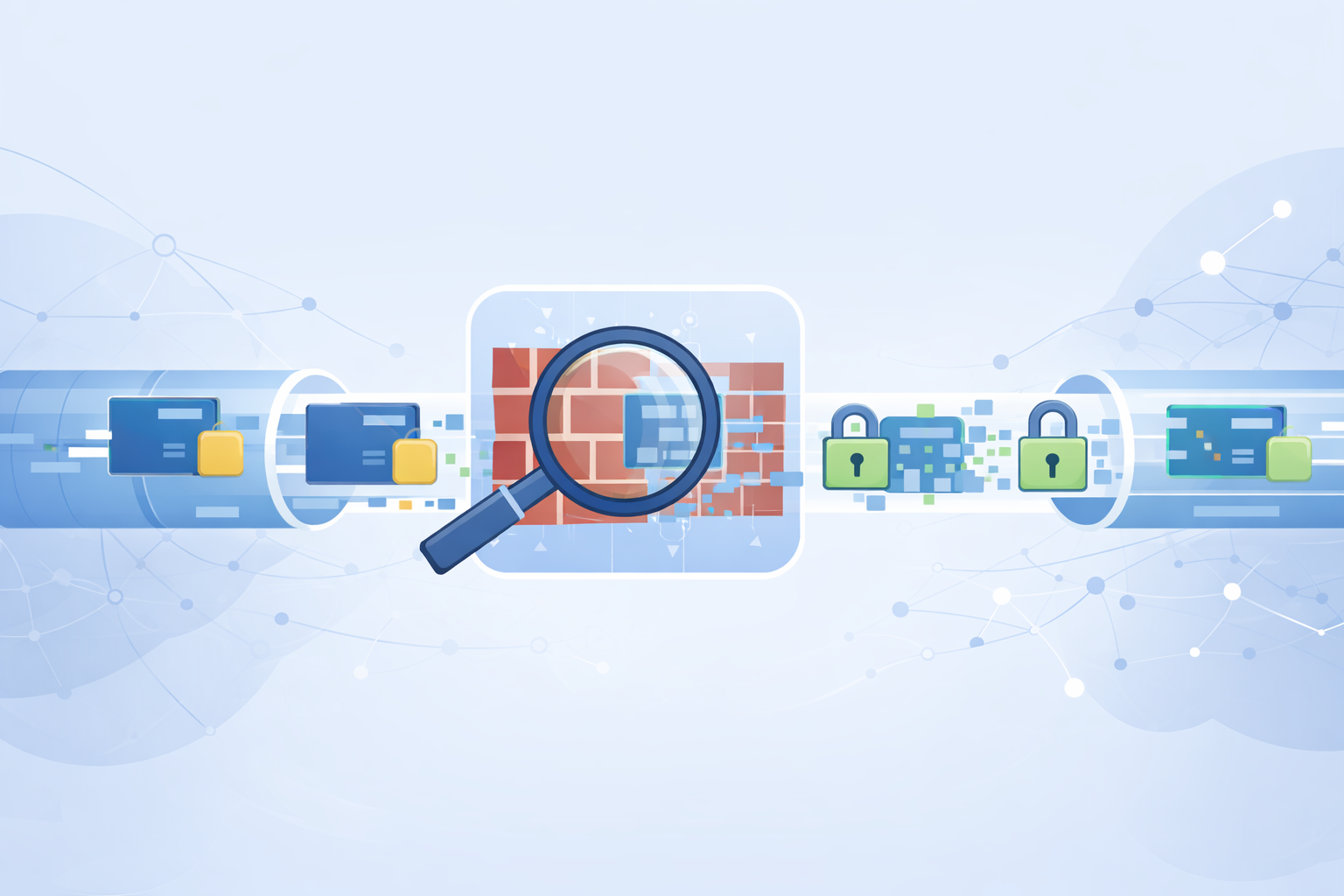
Deep Packet Inspection (DPI) is basically when someone looks inside your data, not just where it’s going. Instead of only reading the digital “envelope,” DPI peers into the “letter” itself, checking content, patterns, and even behavior to analyze network traffic.
For anyone who cares about privacy, that can feel uncomfortably close, like a stranger quietly standing over your shoulder.
The honest upside is that you’re not powerless here, there are real, well-tested ways to shield your traffic and blur what can be seen. If you want to understand how these protections work and how you can use them, keep reading.
Key Takeaways
- Strong encryption, like that from VPNs, renders packet contents useless to DPI.
- Tools like Tor and obfuscated proxies disguise traffic patterns to evade detection.
- Advanced methods though effectiveness depends on DPI implementation, including traffic padding and protocol mimicry, break DPI heuristics.
The Reality of Deep Packet Inspection
You send data across the internet in small chunks called packets. DPI goes beyond just looking at the destination address.
It peers into the packet’s payload, the actual content. This allows networks to identify the application you’re using, like BitTorrent or a messaging app, even if the traffic is encrypted.
It can be used for legitimate network management and security, sure. But its power to profile your online behavior is why many seek ways to bypass it.
Your internet service provider might use it for “traffic shaping,” slowing down certain types of activity. Governments might use it for censorship.
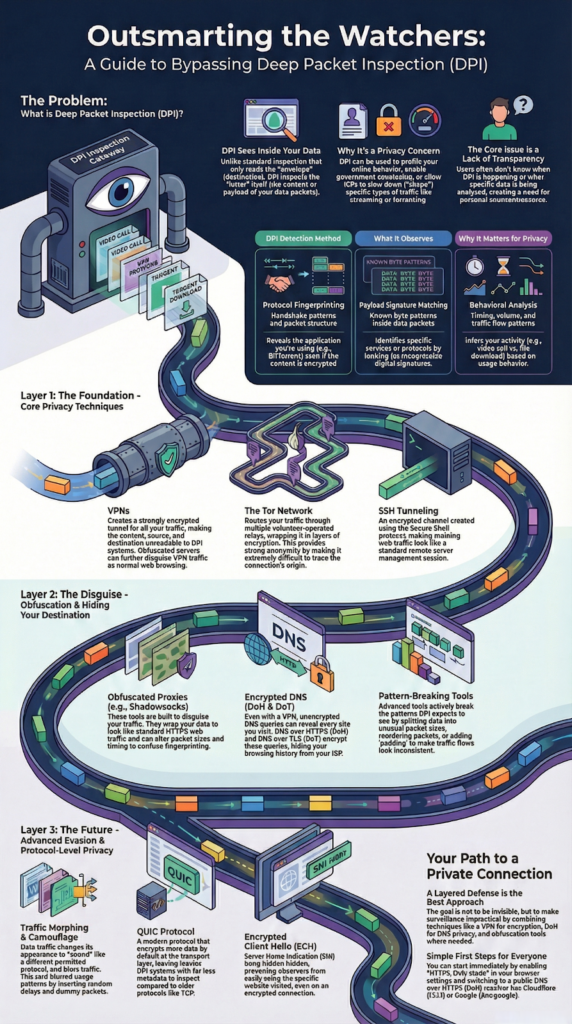
The core issue is a lack of transparency around dpi uses, as you often don’t know when it’s happening or what’s being analyzed. This creates a need for personal countermeasures, for techniques that return a sense of control over your own digital footprint. Common DPI detection methods include:
- Protocol fingerprinting
- Payload signature matching
- Behavioral analysis
| DPI Detection Method | What Is Observed | Why It Matters for Privacy |
| Protocol fingerprinting | Handshake patterns and packet structure | Reveals application type even when content is encrypted |
| Payload signature matching | Known byte patterns inside packets | Identifies specific protocols or services |
| Behavioral analysis | Timing, volume, and traffic flow patterns | Infers user activity through usage behavior |
Core Techniques for Privacy
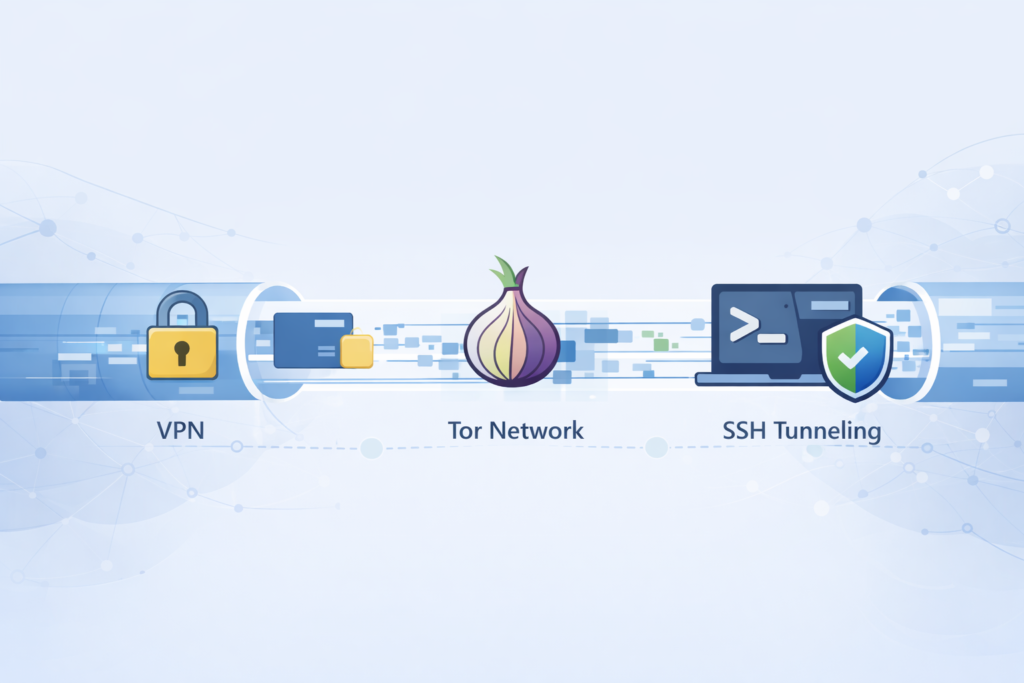
Virtual Private Networks, or VPNs, are the most straightforward solution for many people. They create an encrypted tunnel between your device and a VPN server. All your traffic passes through this tunnel.
To a DPI system used for security enforcement, the packets are just a stream of gibberish. The source, destination, and content are hidden.
The effectiveness hinges on the strength of the encryption, which is typically very robust. Some VPN providers even offer obfuscated servers that disguise VPN traffic as normal HTTPS traffic, adding an extra layer of stealth.
The Tor network takes a different approach. Instead of one tunnel, it routes your traffic through a series of volunteer-operated relays.
Each relay only knows the immediate previous and next hop. The connection is wrapped in multiple layers of encryption, peeled back one layer at each relay.
This makes it incredibly difficult for any single point, like your ISP, to correlate your entry into the network with your exit. It provides strong anonymity, though often at the cost of speed.
SSH tunneling is a more hands-on method. It uses the Secure Shell protocol, common for remote server management, to create an encrypted conduit for other types of traffic.
You can forward your web browsing through an SSH connection to a server you control. To a network observer, it just looks like a standard, encrypted SSH session. It’s a powerful technique, but it requires you to have access to a remote server and some technical know-how to set up.
Tools for Disguising Your Traffic
Once basic encryption is in place, the game shifts. Now the goal isn’t just hiding what you say, it’s hiding how your traffic looks to Deep Packet Inspection systems.
Some tools lean hard into obfuscation, reshaping traffic so it blends in with ordinary web use.
Proxies like Obfsproxy and Shadowsocks are built for this kind of disguise:
- They wrap your traffic so it looks like standard HTTPS web browsing.
- They can tweak packet sizes and timing to confuse fingerprinting.
- They help in regions where traditional VPNs are flagged, throttled, or blocked outright [1].
Underneath, your real traffic is still there, just dressed in a different costume, trying to pass as another ordinary browser session.
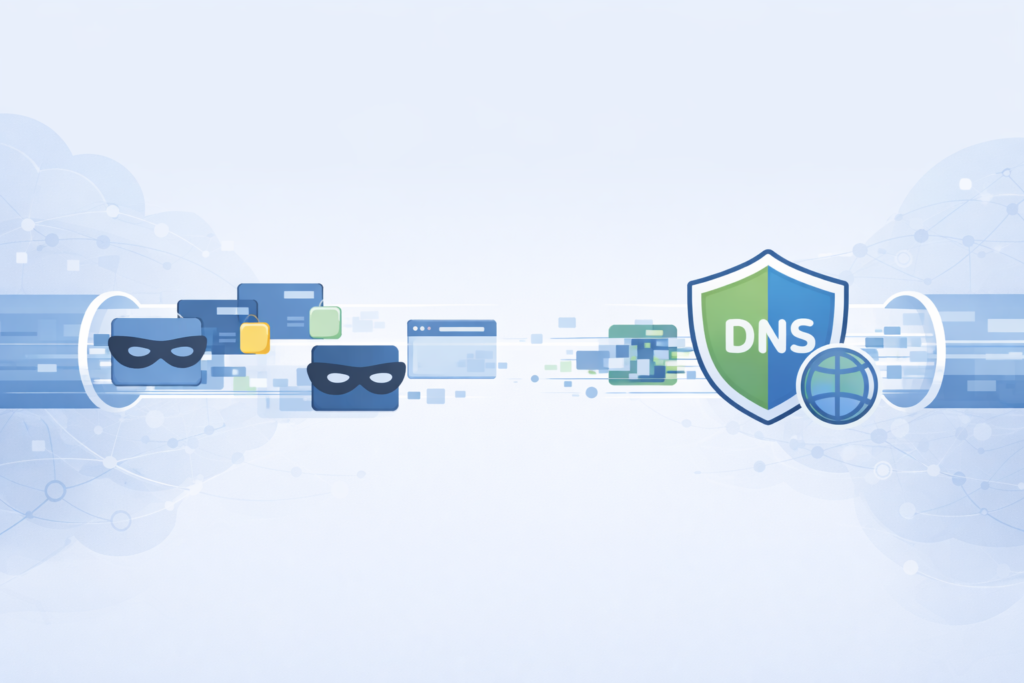
DNS is another weak point that often gets ignored. Even if your connection is encrypted, your DNS queries can expose every site you try to visit. That’s the part that quietly says, “Hey, where is example.com?” To fix that, we get:
- DNS over HTTPS (DoH)
- DNS over TLS (DoT)
Both encrypt DNS queries so they don’t travel in clear text. When you switch to a DoH resolver, like:
- Cloudflare’s 1.1.1.1
- Google’s DoH endpoint (e.g., dns.google)
you make it much harder for your ISP’s DPI to build a clean log of your browsing history. In many cases, it’s just a settings change in your browser or OS, but the privacy gain is real, especially on hostile or untrusted networks.
For people dealing with stronger censorship or heavier surveillance, some tools push the envelope further. NoDPI-style approaches don’t just hide traffic, they break the patterns that DPI expects to see. They can:
- Split data into unusual packet sizes
- Reorder packets in controlled ways
- Add padding so flows look odd or inconsistent
- Disturb the normal “shape” of known protocols
The effect is a little like taking a sentence, cutting it into uneven pieces, and tossing them in odd order. The original meaning is still there for the intended receiver, but automated readers that rely on fixed patterns struggle to recognize it.
Advanced Evasion and Future-Proofing
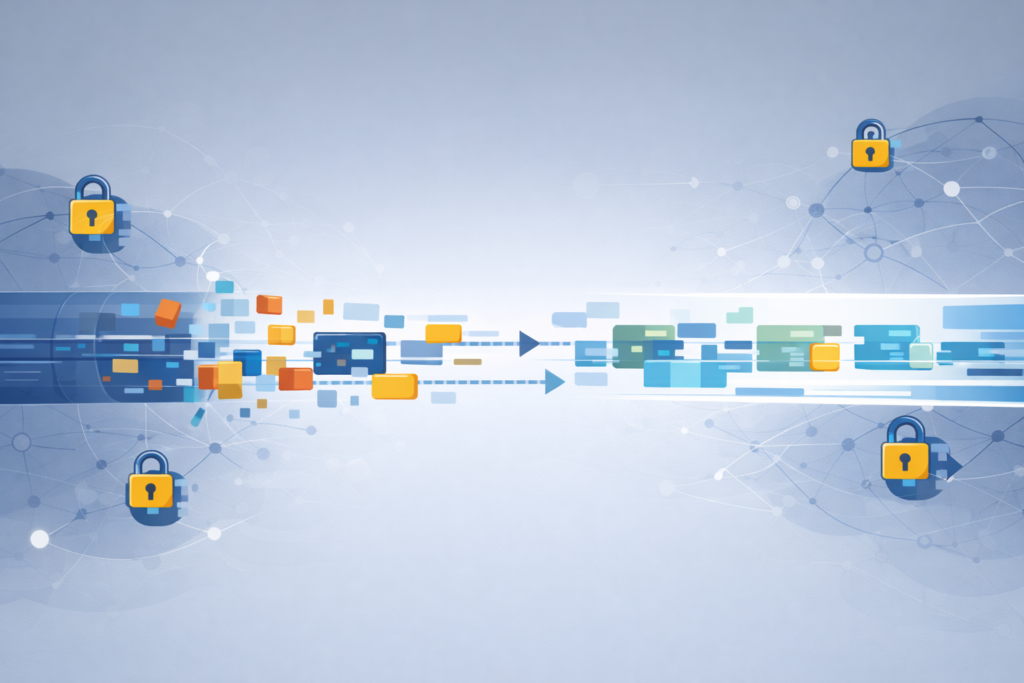
The tug-of-war between inspection and evasion naturally pushes both sides toward more complex tricks.
Traffic morphing is one of those tricks. Here, a data stream doesn’t just get encrypted, it changes its “accent” to sound like a different protocol.
- Examples include tools mimicking HTTP/QUIC streams.
- Packet sizes, timing, and headers are all adjusted so that, to a Deep Packet Inspection (DPI) system, it fits the pattern of an allowed service [2].
To pull this off, developers need a detailed understanding of both the protocol they’re imitating and the one they’re hiding. That kind of work usually shows up in specialized tools rather than everyday software.
Timing analysis adds another layer of risk. Even when the content is fully encrypted, the mere pattern of when packets are sent can give away the type of application.
Interactive apps, bulk downloads, and video calls all “breathe” differently on the wire. To fight that, systems use traffic shaping camouflage, which tries to blur these patterns:
- Inserting random delays between packets
- Sending dummy packets to keep a steady flow
- Padding bursts so they look more uniform
- Smoothing out idle gaps that would mark certain apps
The goal is to erase the unique rhythms that make an app stand out, so every connection looks vaguely the same from a distance.
Looking ahead, newer protocols are trying to make this kind of evasion less of a patch and more of a built-in feature.
- QUIC (Quick UDP Internet Connections) encrypts by default at the transport layer, which leaves DPI with far less to inspect. It wraps many control signals that used to be visible in TCP inside encryption, shrinking the attack surface.
- Encrypted Client Hello (ECH) extends TLS in a quiet but powerful way: it hides the Server Name Indication (SNI), so an observer can’t simply read the hostname you’re visiting and block it at the gate.
These protocols don’t just add privacy as an afterthought, they design around the assumption that someone is always watching. In that sense, the future of privacy leans toward systems where obfuscation is built into the foundation, not taped on at the edge.
Your Path to a Private Connection
Credits: GuideRealm
Bypassing DPI techniques detection is fundamentally about increasing the cost of surveillance. It’s not about creating perfect, undetectable ghosts on the network.
It’s about using encryption and obfuscation to make routine, indiscriminate inspection impractical. The best approach is often layered.
You might use a VPN for general privacy, enable DoH in your browser, and keep aware of new tools like traffic obfuscation plugins. The goal is to thoughtfully apply these methods to reclaim a measure of privacy in an increasingly monitored digital world.
Ensure HTTPS-only browsing via browser settings in your browser and switching to a DNS over HTTPS resolver; it’s a simple first step.
FAQ
How do traffic obfuscation methods reduce DPI detection accuracy?
Traffic obfuscation methods reduce detection accuracy by altering observable network signals that DPI systems rely on.
Techniques such as packet size randomization, timing obfuscation techniques, traffic padding analysis, and header field randomization change flow characteristics.
These changes weaken statistical traffic analysis, reduce traffic fingerprint evasion reliability, and make flow correlation avoidance harder without breaking transport layer encryption or payload encryption strategies.
Why are protocol mimicry techniques difficult for DPI systems to identify?
Protocol mimicry techniques disguise restricted traffic as allowed protocols by copying real protocol behavior. They use cipher suite randomization, session multiplexing behavior, TCP segmentation tricks, and adaptive traffic patterns.
By matching HTTPS traffic masking characteristics, these techniques exploit deep packet inspection limitations, reduce encrypted payload inspection confidence, and improve resistance against active probing attempts.
How do encrypted tunneling protocols differ from simple SSL inspection bypass?
Encrypted tunneling protocols encapsulate application traffic inside protected channels rather than merely avoiding inspection rules. They combine encrypted proxy traffic, proxy chaining methods, and secure transport encapsulation.
This approach reduces VPN traffic fingerprinting, limits visibility during DNS over HTTPS traffic and DNS over TLS inspection, and supports DPI resistant protocols through encrypted overlay networks across monitored environments.
How do traffic shaping camouflage and morphing exploit DPI weaknesses?
Traffic shaping camouflage and traffic morphing research target behavioral analysis used by DPI systems. By adjusting packet timing, volume, and fragmentation patterns, they interfere with timing-based classification.
These traffic analysis countermeasures expose anomaly based detection limits, increase DPI false positive challenges, and create traffic normalization issues when large-scale network flow obfuscation is applied consistently.
Which protocol-level changes improve bypassing DPI techniques detection long term?
Long-term improvement comes from protocol-level privacy design. QUIC protocol behavior, ESNI ECH encryption, and encrypted SNI hiding reduce exposed metadata.
When combined with transport layer encryption, domain fronting concepts, and censorship circumvention tools, these changes strengthen network censorship resistance while preserving encrypted application fingerprints and limiting certificate pinning impact.
Reclaiming Privacy from Deep Packet Inspection
Deep Packet Inspection doesn’t have to mean surrendering your privacy. By layering strong encryption, traffic obfuscation, and modern privacy-first protocols, you can sharply limit what intermediaries can see or reliably analyze.
No single technique is foolproof, but combined defenses raise the cost and complexity of surveillance. Thoughtful steps, from encrypted DNS to obfuscated tunnels, help restore control over your digital footprint in networks designed to watch first and ask later.
Join the Network Threat Detection community to stay informed on evolving DPI techniques and practical privacy defenses.
References
- https://www.bleepingcomputer.com/vpn/guides/vpn-obfuscation/
- https://forums.openvpn.net/viewtopic.php?t=11267
