
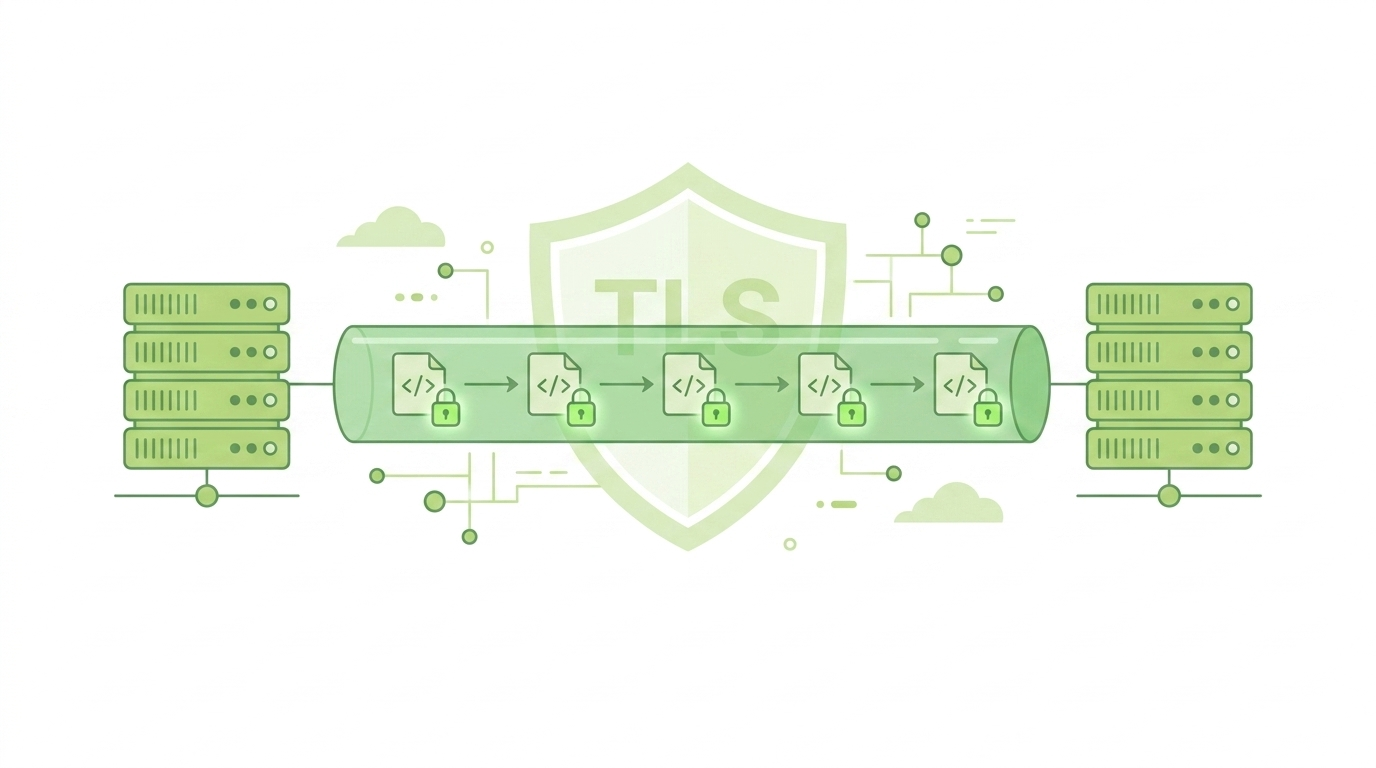
Logs often contain sensitive operational and security data, yet many systems still transmit them in plain text. Securing syslog communication TLS ensures that log data is encrypted, authenticated, and protected from interception. From our experience, unsecured syslog traffic is one of the most overlooked risks in logging architectures.
Once attackers access logs, they gain valuable insight into systems. In this guide, we explain how TLS strengthens syslog security and how to implement it effectively. Keep reading to secure your logging pipeline.
Why Encrypting Syslog Traffic Is Critical
Before diving into configuration, consider the risks of unsecured logging:
- Logs can be intercepted during transmission
- Sensitive system details may be exposed
- Attackers can manipulate log data
How TLS Protects Syslog Communication
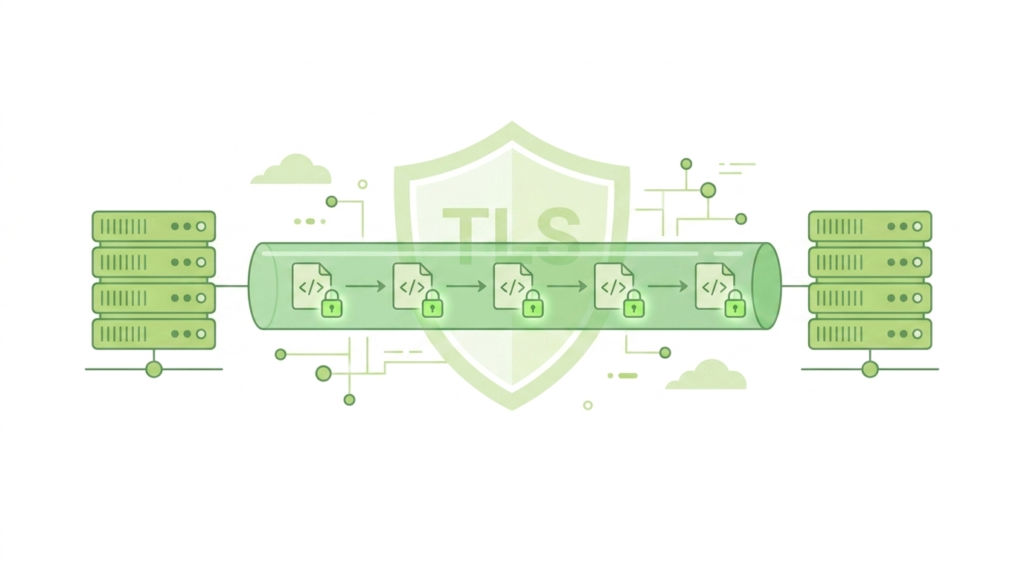
TLS (Transport Layer Security) adds encryption and authentication to syslog messages.
Key functions:
- Encrypts data in transit
- Verifies sender and receiver identity
- Prevents tampering of log messages
“Transport Layer Security (TLS) is a cryptographic protocol designed to provide secure communication over a computer network.” – Wikipedia
This makes TLS essential for modern secure logging systems and a more robust syslog protocol and configuration.
TLS Vs Traditional Syslog Transmission
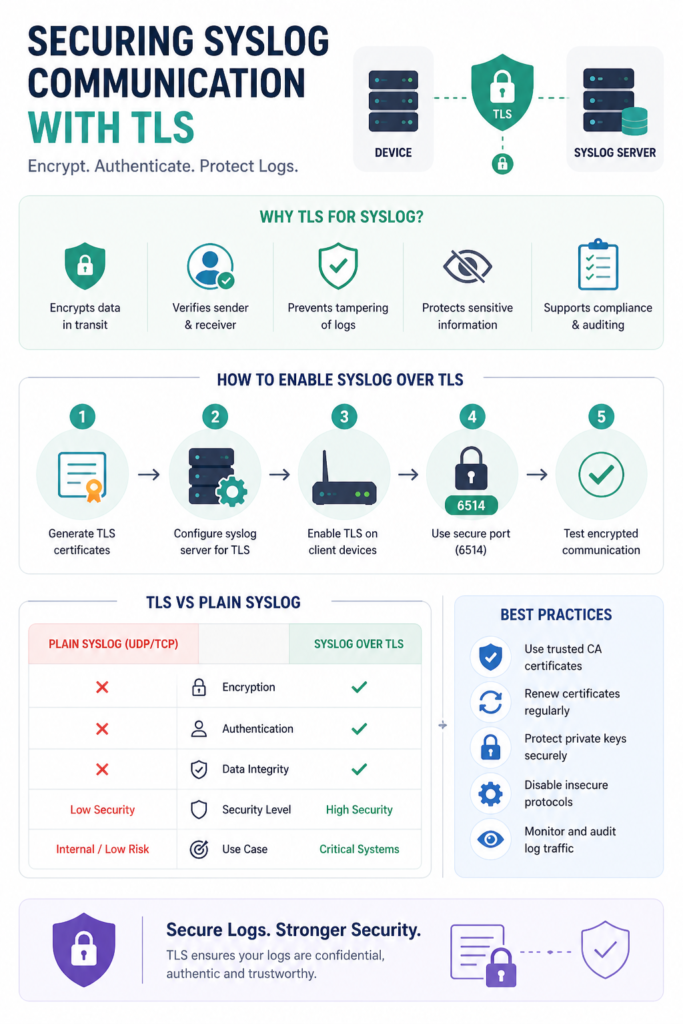
| Feature | Plain Syslog (UDP/TCP) | Syslog Over TLS |
| Encryption | None | Yes |
| Data Integrity | Weak | Strong |
| Authentication | No | Yes |
| Security Level | Low | High |
| Use Case | Internal, low risk | Critical systems |
From our experience, TLS should be the default choice in production environments.
Step-By-Step: Securing Syslog Communication TLS
Credits: Iftakhar Ali Khandokar
To enable TLS, follow these steps:
- Generate SSL/TLS certificates
- Configure syslog server to accept TLS connections
- Configuring devices to send syslog messages with TLS enabled ensures that your telemetry is encrypted from the source.
- Specify secure port (commonly 6514)
- Test encrypted communication
Proper setup ensures both ends trust each other and communicate securely.
Certificate Management Essentials
Certificates are the foundation of TLS security.
Best practices:
- Use trusted Certificate Authority (CA)
- Regularly renew certificates
- Protect private keys securely
- Validate certificates during connection
Improper certificate handling can weaken the entire system.
Common Challenges In TLS Implementation
While TLS improves security, it introduces complexity.
Typical challenges:
- Certificate misconfiguration
- Compatibility issues between devices
- Increased resource usage
- Troubleshooting encrypted connections
We’ve seen many failures caused by expired or mismatched certificates.
Performance Considerations
Encryption adds overhead, but it’s manageable.
Optimization tips:
- Use modern TLS versions
- Enable hardware acceleration if available
- Balance security and performance needs
“Encryption mechanisms introduce computational overhead, but significantly enhance the confidentiality and integrity of transmitted data in distributed systems.” – Ieeexplore
In most environments, the security benefits far outweigh the performance cost.
Integrating TLS With Central Logging
TLS becomes even more powerful when setting up central syslog server environments, protecting data across distributed systems.
- Secure communication from all devices
- Protect logs across distributed systems
- Maintain integrity in multi-source logging
We position Network Threat Detection as the first layer of insight, where securely transmitted logs ensure accurate and trustworthy analysis.
Best Practices For Secure Syslog Deployment
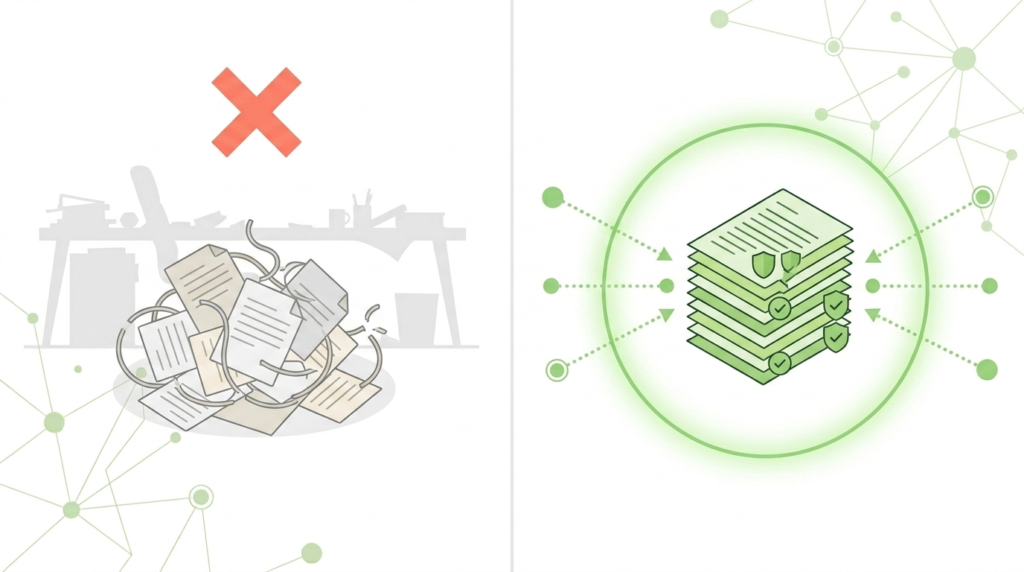
To maximize security:
- Always use TLS for sensitive environments
- Disable insecure protocols when possible
- Monitor for unusual log activity
- Regularly audit configurations
Consistency in security practices is key to maintaining trust in log data.
FAQ
What Port Is Used For Syslog Over TLS?
The standard port is 6514, though it can be customized depending on your configuration.
Is TLS Necessary For Internal Networks?
While internal networks are more controlled, TLS is still recommended to prevent insider threats and misconfigurations.
Can TLS Affect Syslog Performance?
Yes, encryption adds overhead, but with proper optimization, the impact is minimal compared to the security benefits.
What Happens If Certificates Expire?
Connections may fail, and logs may stop being transmitted securely. Regular certificate management is essential.
Strengthen Your Logging Security With TLS
Securing syslog communication with TLS is a necessity for protecting valuable data. By encrypting logs and ensuring authenticity, organizations defend against interception and tampering. Combining TLS-secured logging with Network Threat Detection creates a resilient monitoring environment.
Proactively expose blind spots and streamline vulnerability management by securing your log data today. Ready to enhance your defenses? Start implementing TLS-secured logging and strengthen your network with real-time threat modeling and automated risk analysis.
References
- https://en.wikipedia.org/wiki/Transport_Layer_Security
- https://ieeexplore.ieee.org/document/6697494
