
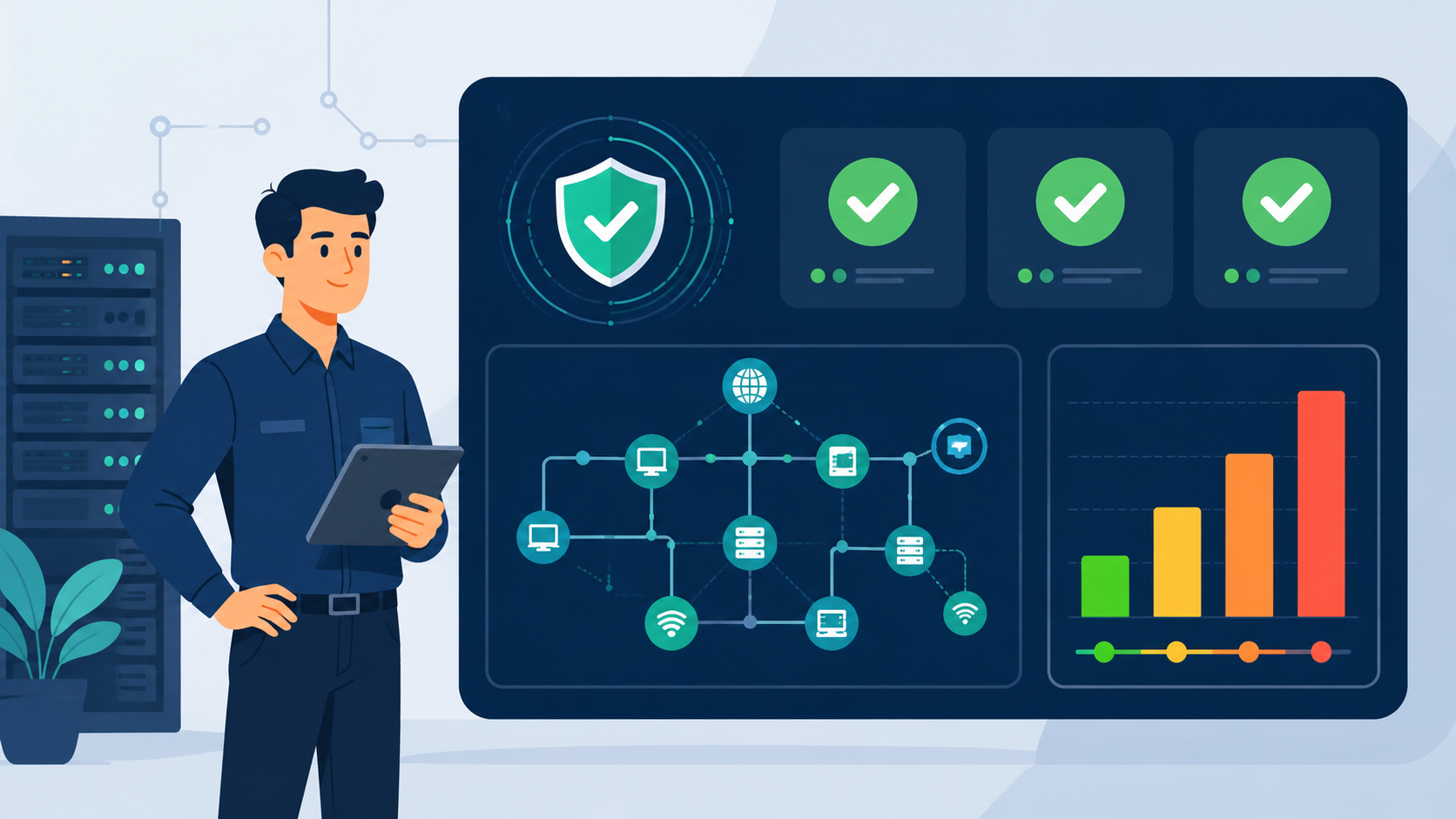
Modern security teams collect data from everywhere. Vulnerability scanners, asset inventories, threat intelligence feeds, and monitoring tools all generate valuable information. The challenge is turning that information into action. This is where network security risk assessment software becomes essential.
Platforms such as Network Threat Detection and similar risk assessment solutions help organizations organize security findings, prioritize risks, and focus resources where they matter most. Instead of sorting through countless reports and alerts, teams gain a clearer understanding of their overall security posture and the steps needed to improve it.
Your Security Compass
Before exploring the details, here are the most important things to know about network security risk assessment software.
- Good software automates data collection and scoring, turning isolated findings into a prioritized risk register.
- The best platforms bridge the gap between qualitative intuition and quantitative data, allowing for both approaches.
- True value comes from continuous monitoring and reporting, turning a static assessment into a living security posture.
Why Does a List of Vulnerabilities Feel So Useless?
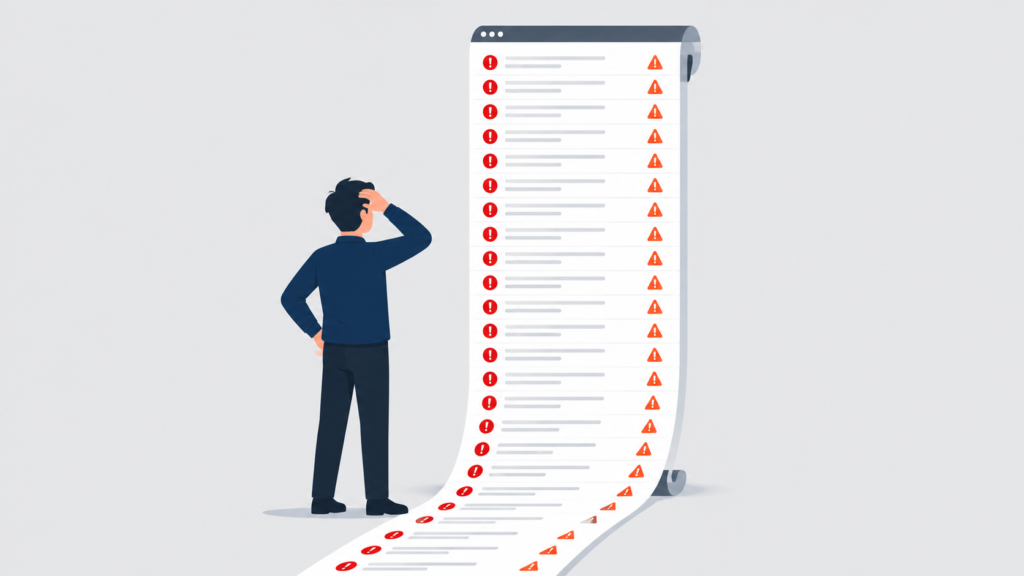
It’s because a list is just a list. A scanner spits out a thousand CVEs, each with a severity score. But severity isn’t risk. A critical vulnerability on an isolated test server isn’t the same as a medium one on your public-facing web server holding customer data. The scanner doesn’t know that. We didn’t either, for a long time.
We’d work down the list from “Critical” to “High,” patching furiously, feeling busy but not necessarily smart. We were treating symptoms without diagnosing the disease. The disease is contextual risk.
Software that understands this doesn’t just collect vulnerabilities, it maps them to assets, layers on threat intelligence, and asks, “What’s the probable impact here?” That shift, from a generic list to a contextual map, changes everything.
You’re moving from reactive patching to proactive risk management when you:
- Correlate vulnerabilities with specific business-critical assets.
- Incorporate real-world threat data about which flaws are actively exploited.
- Apply your organization’s unique tolerance for different types of risk.
What Should This Software Actually Do For Me?
Credits: Go Cloud Architects
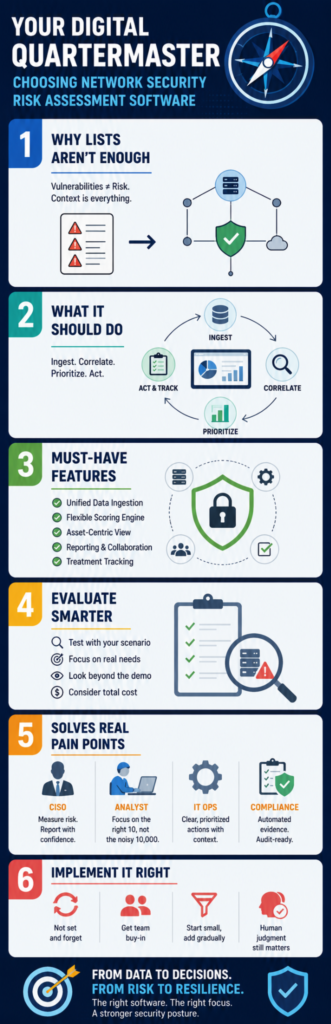
Think of it as your command center. Its primary job is to ingest, correlate, and prioritize. It takes feeds from your vulnerability scanners, your asset management system, your network threat detection, and even external threat intelligence. Then, it uses rules you define, your own risk analysis matrix, to score each risk.
A good platform will let you set parameters. Maybe a vulnerability on a “Payment Processing” asset tag automatically increases the impact score. Maybe an exploit that’s trending in your industry increases the likelihood score. The software crunches this, presenting a dashboard not of “Top Vulnerabilities,” but of “Top Risks.”
One is a technical finding. The other is a business decision waiting to happen. This automation is the core value. It does the tedious cross-referencing so your analysts can do the thinking.
Beyond the dashboard, it needs to facilitate action. That means workflow. Can you assign a risk to an engineer? Can you track mitigation progress? Can it generate the evidence for auditors? The software should be the single source of truth for your risk posture, from identification to treatment to closure.
What Are the Non-Negotiable Features to Look For?
Shopping for this software can be overwhelming. Vendors throw around acronyms. Focus on the capabilities that directly serve your core network security risk assessment steps to ensure smooth operational deployment.
1. Unified Data Ingestion
It must pull data from everywhere. Native integrations with your major scanners (like Nessus, Qualys) are a must. APIs for custom connectors are equally important for pulling in asset data from CMDBs like ServiceNow, or threat data from open-source feeds.
2. Flexible Risk Scoring Engine
This is the brain. It should support balancing both qualitative vs quantitative risk analysis based on your current data availability.
Can you set up a simple 5×5 matrix (Probability x Impact)? Can it also calculate Annualized Loss Expectancy (ALE) if you feed it cost data? The ability to start qualitative and evolve to quantitative is key.
3. Asset-Centric View
Every risk must be tied to an asset. The software should help you build and maintain that asset inventory, tagging assets by business criticality, location, and owner.
Incorporating reliable network security risk analysis techniques directly into this view means identifying network assets, vulnerabilities, and threats isn’t three separate tasks; the software weaves them together seamlessly on one screen.
4. Reporting and Collaboration
Documenting risk analysis findings is half the battle. You need crisp, clear reports for technical teams, leadership dashboards for the C-suite, and detailed evidence for compliance (like ISO 27001, SOC 2). Look for templated reports and easy sharing features.
5. Treatment Tracking
Once a risk is identified, what then? The platform should let you select risk treatment options, mitigate, accept, transfer, avoid, and track the action plan. This turns analysis into accountability.
How Do I Evaluate Different Platforms Without Getting Lost?
You’ll see demos with dazzling dashboards. Look past them. Build a test scenario based on a real risk you faced last quarter. For us, it was a legacy server. Ask the vendor to show you how their platform would handle it.
“The Factor Analysis of Information Risk (FAIR) model has emerged as the dominant framework for cyber risk quantification, serving as an international standard quantitative model for information security and operational risk” – ScienceDirect
Here’s a practical evaluation table:
| Evaluation Criteria | What to Ask / Look For | Why It Matters |
| Data Onboarding | “How do I get data from our [Scanner X] and [CMDB Y] into your platform? Is it a pre-built connector or custom API work?” | If onboarding takes months, you’ll lose momentum. Easy integration is critical for adoption. |
| Scoring Flexibility | “Can I modify the risk scoring formula? Can I add my own business context, like asset criticality tags?” | A rigid scoring model won’t fit your organization. You need to tailor it. |
| Visualization & Usability | “Show me how I go from a list of 10,000 vulnerabilities to my top 5 business risks in three clicks.” | Analysts will abandon a complex tool. The path to insight must be intuitive. |
| Reporting Output | “Generate a sample report for a technical team to remediate a risk, and another for the board showing risk reduction over time.” | If it can’t communicate to both audiences, it’s a dead end. |
| Total Cost of Ownership | Look beyond license cost. Ask about implementation, training, and ongoing maintenance effort. | A cheap tool that requires a full-time person to manage isn’t cheap. |
During a demo, be quiet. Let them walk through their standard pitch. Then, interrupt. Say, “That’s great. Now, here’s my scenario. I have a critical vulnerability on a server tagged ‘Customer Data.’
Threat intelligence says it’s being exploited in the wild. The server is in a DMZ. Show me how your platform scores this, who it alerts, and how we track fixing it.” Their answer tells you everything.
Can This Software Help With Our Specific Pain Points?
Absolutely. The pain is usually in the gaps between tools and teams.
For the CISO: It answers “How secure are we?” with a measurable metric, a risk score, a reduction in Critical risks over time, a financial exposure number (ALE). It provides the narrative for board reporting.
For the Security Analyst: It eliminates the “spreadsheet hell” of merging scan reports. It tells them, “Work on these 10 items today,” not “Here are 10,000 vulnerabilities, good luck.”
For the IT Operations Team: It provides clear, prioritized tickets with context. Instead of “Patch this CVE,” it says, “Patch this CVE on Server-A because it’s high risk due to active threats and the server’s role.”
For Compliance: It automates evidence collection. Generating a report for an auditor that shows you have a continuous process for identifying network assets vulnerabilities threats and managing treatment is priceless.
What Are the Common Pitfalls During Implementation?
The biggest failure isn’t picking the wrong software, it’s failing to define your process first. The software automates a process. If you don’t have one, you’ll just automate chaos.
Pitfall 1: Treating it as a “set and forget” tool. This software requires care and feeding. You must maintain the asset inventory, tune the scoring parameters, and review the outputs. It’s a living system.
Pitfall 2: Not getting buy-in from remediation teams. If the network and sysadmin teams don’t trust the priorities coming out of the tool, they’ll work around it. Involve them in building the scoring model.
Pitfall 3: Data overload. Just because you can connect every data source doesn’t mean you should. Start with your two most critical scanners and your asset list. Add feeds gradually as your process matures.
Pitfall 4: Ignoring the human element. The software provides a ranked list. A human must still make the final call on risk treatment options. The tool informs judgment, it doesn’t replace it.
How Does This Fit Into a Larger Security Strategy?
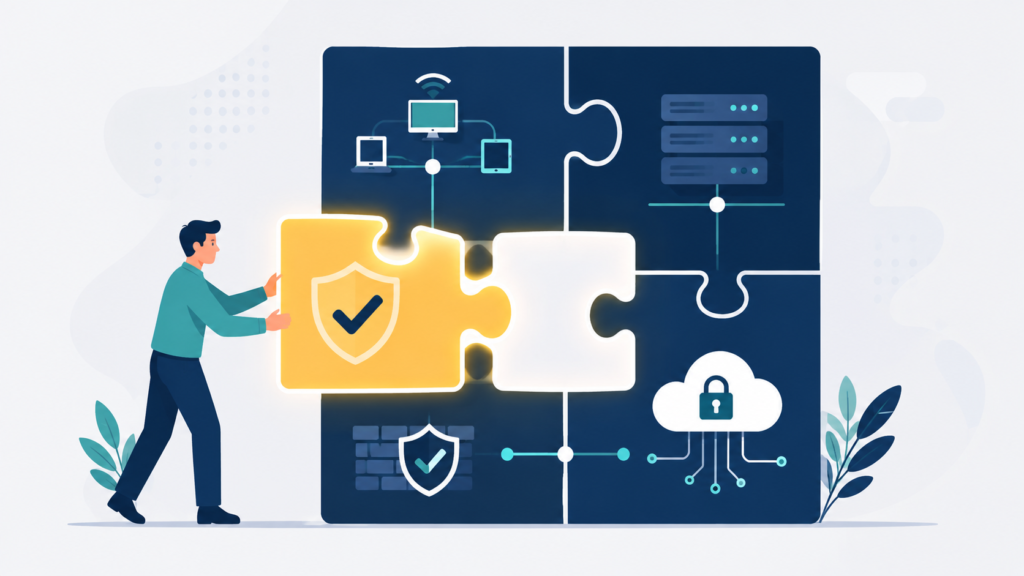
This software isn’t the strategy. It’s the operational engine for your risk management strategy. It sits in the middle, connecting your tactical tools (scanners, detection) to your strategic goals (risk reduction, compliance).
“Traditional assessments were built for a different era—one with fewer SaaS apps, fewer endpoints, and far less data moving across systems every day. … Yet the industry is still relying on slow, manual, agent-heavy assessment methods that can’t keep pace with modern threats or customer expectations” – Security Boulevard
Think of it as the cycle:
- Detect: Tools find vulnerabilities and threats.
- Ingest & Correlate: The assessment software brings it all together.
- Analyze & Prioritize: It applies your business context, generating a risk list.
- Treat & Track: You take action and track progress within the platform.
- Monitor & Report: The software provides dashboards and reports, proving the cycle works.
This enables continuous risk assessment monitoring. It’s not an annual project anymore. It’s a weekly, even daily, heartbeat. Every new scan, every new threat alert, gets absorbed and reprioritizes your list. Your security posture becomes adaptive.
FAQ
We’re a small team. Is this overkill?
Not necessarily. The scale is different, but the problem is the same: knowing what matters most. Look for platforms with tiered pricing aimed at mid-market companies. The time you save on manual correlation will pay for the tool.
Can’t I just build this with spreadsheets and scripts?
You can, and many do initially. But it becomes a full-time job to maintain. The software’s value is in its sustained, automated correlation and its ability to scale. When you spend more time maintaining your spreadsheet than analyzing its output, it’s time to buy.
How does this relate to a SIEM?
A SIEM is for logging and alerting on security events. Risk assessment software is for strategic prioritization. They complement each other. Often, the risk platform can consume data from the SIEM (like failed login counts to gauge threat activity) to enrich its risk scores.
What about compliance frameworks like NIST or ISO?
Modern risk assessment platforms are built with these in mind. They often include pre-built report templates and control mappings for major frameworks, turning your risk data into compliance evidence almost automatically.
The Quartermaster Never Sleeps
Choosing and implementing network security risk assessment software is an investment in clarity. It stops the panic from loud alerts, replacing it with a calculated understanding of your unique exposure. To begin, document your current manual prioritization process, where data originates, who decides what to fix, and what takes the most time.
That becomes your requirements checklist. From visual attack path simulations to MITRE ATT&CK mapping, automate the painful parts at Network Threat Detection. Your future uninterrupted weekend will thank you.
References
- https://www.sciencedirect.com/science/article/pii/S0957417425035353
- https://securityboulevard.com/2025/12/cyber-risk-assessments-are-overdue-for-modernization/
