
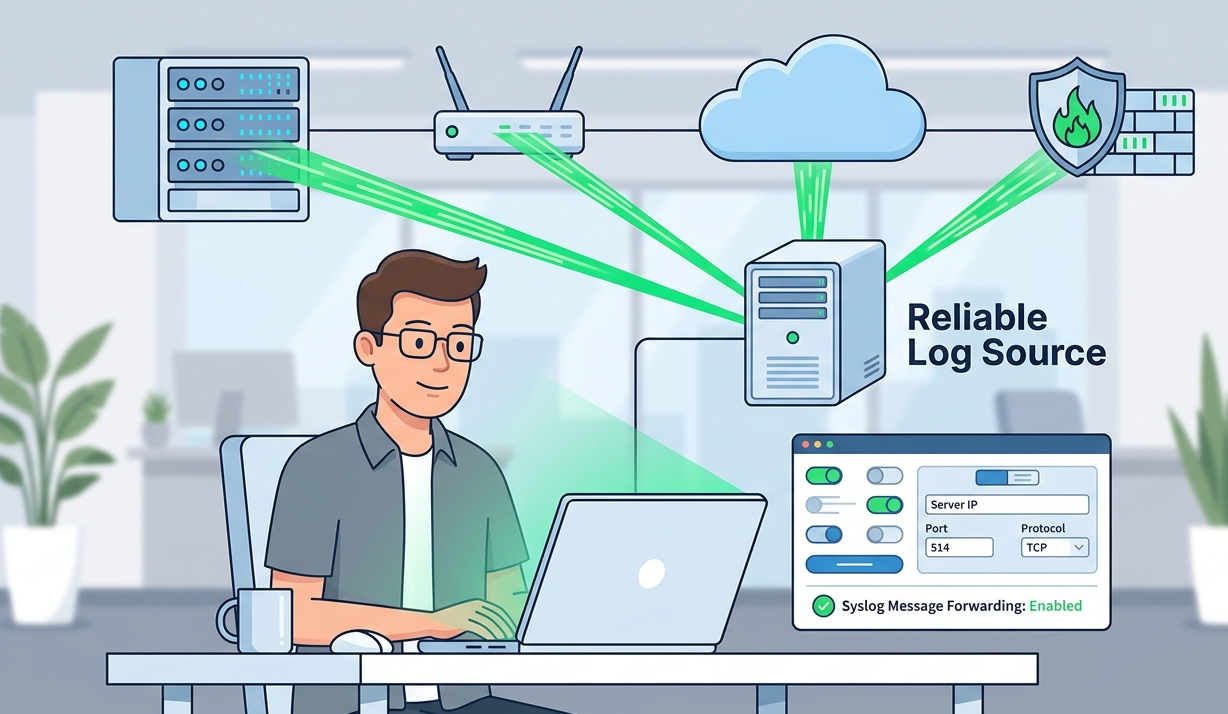
Logs are only valuable if they actually reach your logging system. Configuring devices send syslog messages is a critical step in building visibility across your infrastructure. From our experience, many logging issues come not from analysis tools, but from misconfigured devices that fail to send logs properly.
Whether it’s a server, firewall, or network device, proper configuration ensures consistent and reliable data flow. In this guide, we walk through practical steps and common pitfalls. Keep reading to make your syslog setup work effectively.
Why Proper Syslog Configuration Matters
Before diving into technical steps, it’s important to understand the impact:
- Ensures consistent log delivery
- Improves monitoring visibility
- Reduces troubleshooting time
How Syslog Message Forwarding Actually Works
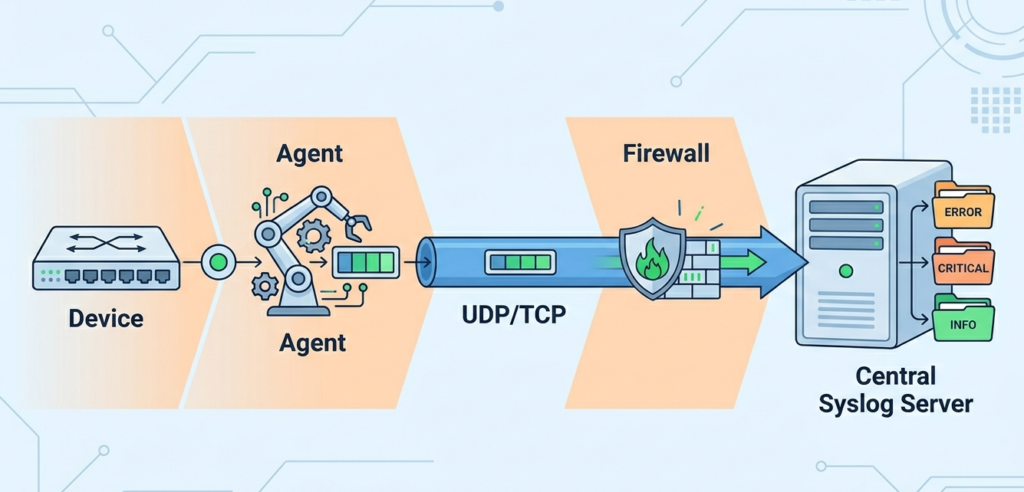
Syslog works by sending log messages from devices (clients) to a central server. Gaining a deeper understanding of the syslog protocol and configuration helps ensure that the handshake between client and server remains stable under heavy traffic.
Basic flow:
- Device generates event
- Syslog agent formats message
- Message sent to syslog server
- Server stores and processes logs
Understanding this flow helps quickly identify where issues occur. Depending on your environment, you might choose between popular tools like syslog-ng vs rsyslog to manage how those flows are processed and stored.
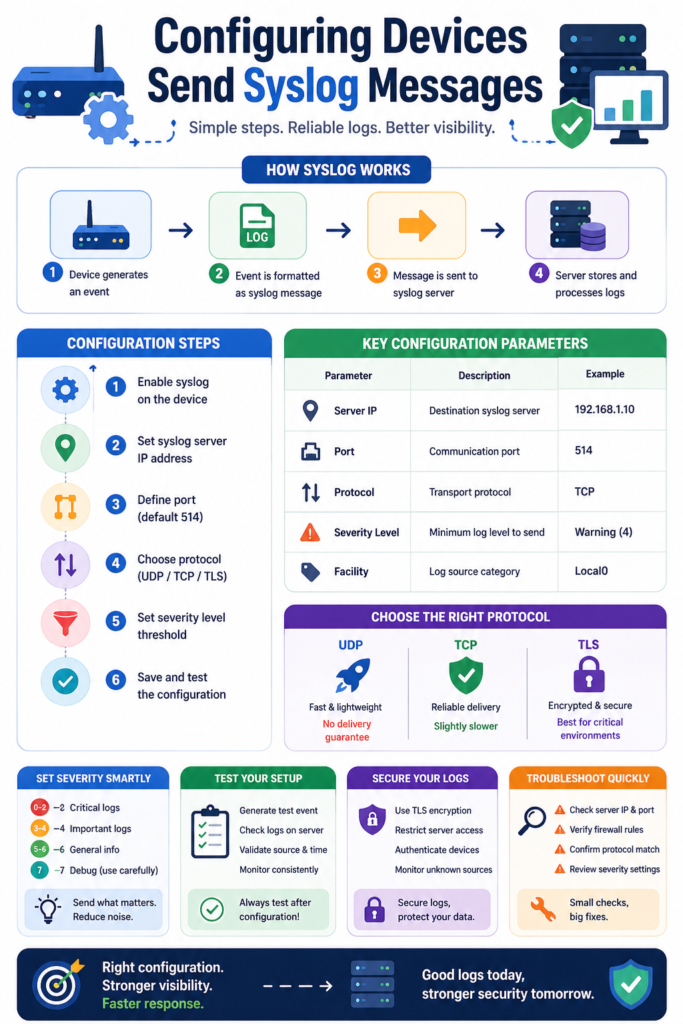
Step-By-Step: Configuring Devices Send Syslog Messages
Credits: Hasan Ibraheem
Most devices follow a similar setup process:
- Enable syslog feature
- Set syslog server IP address
- Define port (default 514)
- Choose protocol (UDP/TCP)
- Set severity level threshold
“Syslog is a standard for message logging that allows devices to send event messages to a logging server.” – Wikipedia
After configuration, always verify that logs are being received correctly.
Essential Configuration Parameters At A Glance
| Parameter | Description | Example |
| Server IP | Destination syslog server | 192.168.1.10 |
| Port | Communication port | 514 |
| Protocol | UDP or TCP | TCP |
| Severity Level | Minimum log level to send | Error (3) |
| Facility | Log source category | Local0 |
Standardizing these parameters across devices avoids inconsistencies.
Choosing The Right Transport: Speed Vs Reliability
Protocol selection affects how logs are delivered:
- UDP: Fast and lightweight, but no guarantee
- TCP: Reliable with delivery confirmation
- TLS: Secure and encrypted communication
In our experience, TCP or TLS is better for critical systems where log loss is not acceptable.
Controlling Log Noise With Severity Levels
Not all logs need to be sent. Ensuring your team understands the syslog message format and severity levels allows for smart configuration, such as prioritizing critical and error logs while limiting debug noise in production.
Smart configuration includes:
- Prioritizing critical and error logs
- Limiting debug logs in production
- Adjusting thresholds per device role
This reduces noise and keeps monitoring focused.
Testing Your Setup Before It’s Too Late
Many teams skip testing, and regret it later.
Simple validation steps:
- Trigger a test event
- Check logs on the server
- Confirm timestamp and device source
- Monitor consistency over time
Testing ensures your setup works before incidents happen.
Troubleshooting When Logs Don’t Show Up
When logs fail to appear, check these first:
- Incorrect server IP or port
- Firewall blocking traffic
- Protocol mismatch
- Wrong severity configuration
From experience, firewall rules are often the hidden issue.
Securing Syslog Communication The Right Way
Security should never be optional.
Best practices:
- Use TLS encryption
- Restrict syslog server access
- Authenticate sending devices
- Monitor unauthorized log sources
“Transport Layer Security (TLS) provides secure communication over a network.” – Wikipedia
Securing logs protects sensitive operational data from exposure.
From Logs To Insight: Making Data Actionable
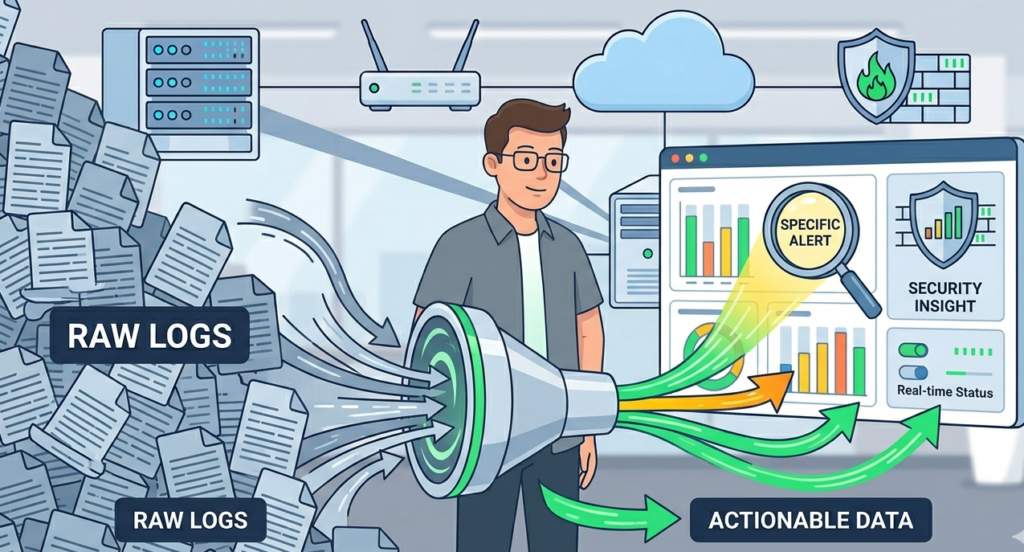
Once devices send logs correctly, the next step is making them useful:
- Centralize logs in one system
- Apply filtering and parsing
- Correlate events across devices
We often position Network Threat Detection as the first layer of insight, where logs are analyzed to detect suspicious patterns early.
FAQ
What Types Of Devices Can Send Syslog Messages?
Most modern systems support syslog, including servers, routers, firewalls, and applications. It’s a universal logging standard.
Why Is My Device Not Sending Logs?
Common reasons include incorrect IP settings, blocked ports, or severity levels that filter out messages. Verifying each configuration step usually resolves the issue.
Is UDP Still Safe To Use?
UDP is widely used but lacks delivery guarantees. For critical logs, TCP or TLS is a better choice.
How Often Should Syslog Configuration Be Reviewed?
Regular reviews are recommended, especially after infrastructure changes. This ensures logs remain consistent and reliable.
Build A Strong Logging Foundation
Configuring devices to send syslog messages is the foundation of effective monitoring. When devices send accurate logs, teams gain better visibility and faster response times. By combining proper configuration with Network Threat Detection, you can proactively defend your network.
This platform uses real-time threat modeling and automated risk analysis to expose blind spots and map vulnerabilities before attackers find them. Start refining your setup today to turn every device into a reliable source of insight.
References
- https://en.wikipedia.org/wiki/Syslog
- https://en.wikipedia.org/wiki/Transport_Layer_Security
