
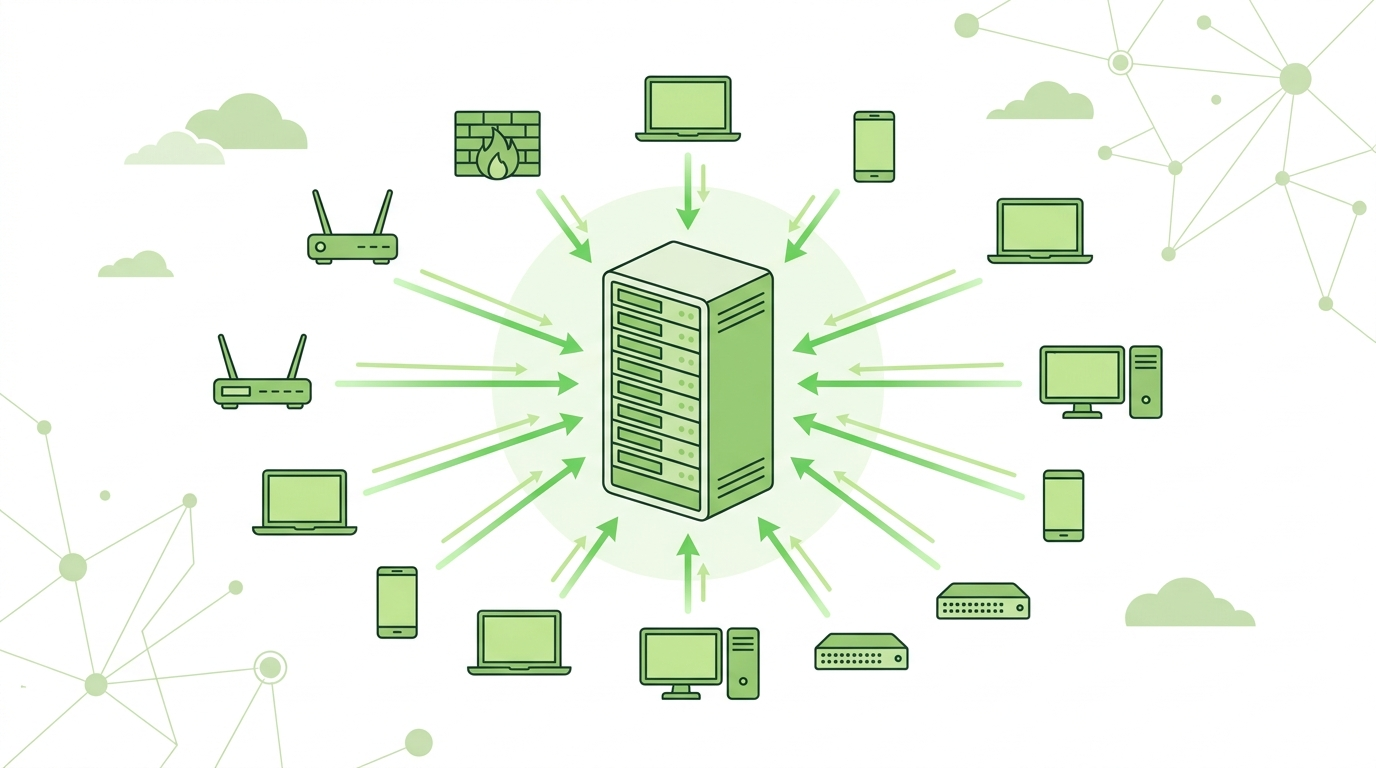
Managing logs across multiple devices can quickly become chaotic without centralization. Setting up central syslog server allows organizations to collect, store, and analyze logs in one place. From our experience, fragmented logs lead to missed insights and slower incident response.
A centralized approach not only improves visibility but also strengthens monitoring and security. In this guide, we walk through how to build a reliable syslog server and avoid common pitfalls. Keep reading to create a strong logging foundation.
Why Centralized Logging Changes Everything
Before diving into setup, it’s important to understand the impact:
- Consolidates logs from all devices
- Simplifies troubleshooting
- Enables faster incident response
How A Central Syslog Server Works
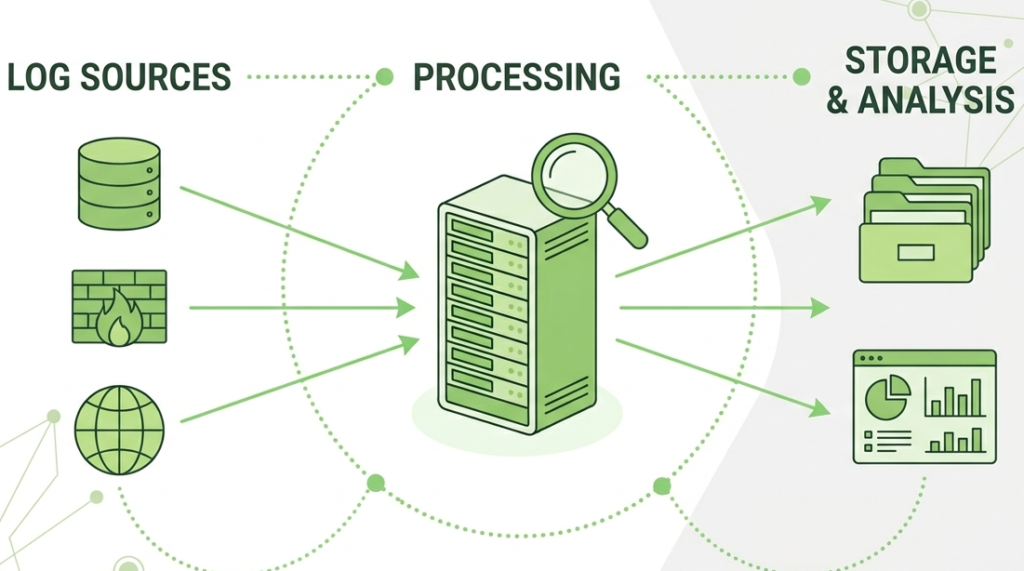
A central syslog server acts as the main collection point for logs.
Basic workflow:
- Devices send syslog messages
- Server receives and processes logs
- Logs are stored and indexed
- Teams analyze and monitor events
“A syslog server is used to collect and store log messages from multiple devices.” – Wikipedia
Understanding the syslog protocol and configuration flow helps design a more efficient logging architecture.
Step-By-Step: Setting Up Central Syslog Server
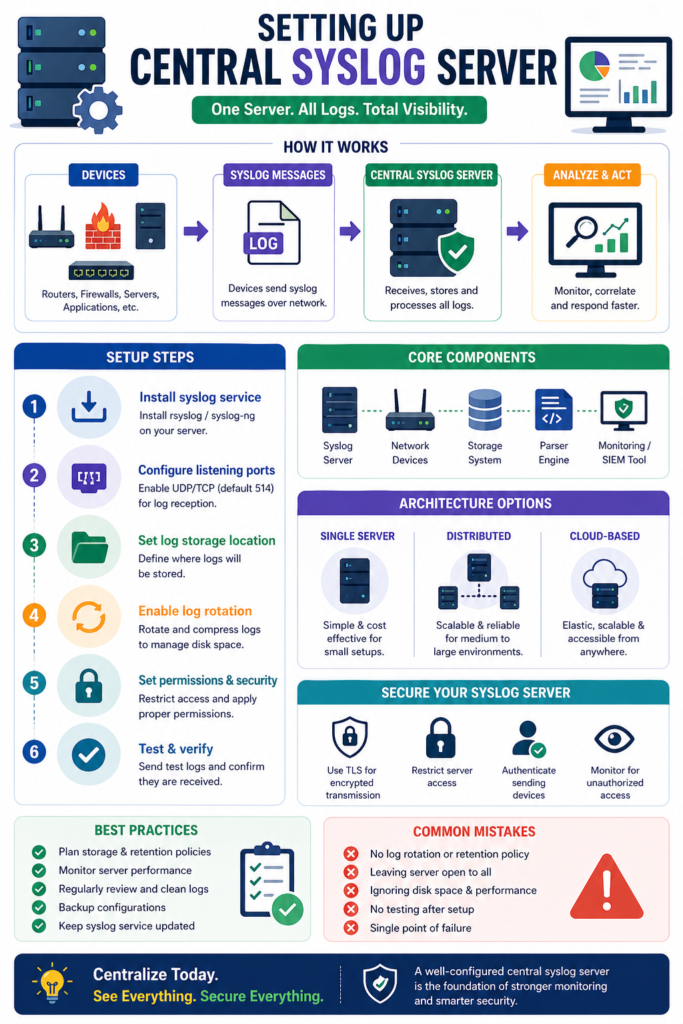
Setting up central syslog server involves several key steps:
- Install syslog service on server
- Configure listening ports (UDP/TCP)
- Define log storage locations
- Enable log rotation
- Set access permissions
After setup, focus on configuring devices to send syslog messages to ensure all telemetry reaches the central server.
Core Components Of A Central Syslog Setup
Credits: Tech Pub
| Component | Function | Example |
| Syslog Server | Receives and stores logs | Linux server |
| Network Devices | Send log messages | Router, firewall |
| Storage System | Stores log data | Local disk / cloud |
| Parser | Structures log data | Built-in parser |
| Monitoring Tool | Analyzes logs | SIEM system |
These components work together to create a complete logging pipeline.
Choosing The Right Architecture
Architecture decisions impact scalability and performance.
Common options:
- Single Server: Simple, suitable for small setups
- Distributed Servers: Better for large environments
- Cloud-Based Logging: Scalable and flexible
From our experience, distributed setups are more reliable for high-volume environments.
Configuring Log Storage And Retention
Efficient storage is critical for long-term success.
Best practices:
- Use log rotation to manage disk usage
- Define retention policies (e.g., 30–90 days)
- Compress older logs
- Separate logs by source or type
Proper storage planning prevents performance issues and data loss.
Securing Your Central Syslog Server
Security is often overlooked but essential.
Key measures:
- Use TLS for encrypted log transmission
- Restrict server access
- Implement authentication
- Monitor for unauthorized access
“Secure logging mechanisms are essential to ensure integrity, confidentiality, and availability of log data in distributed systems.” – Ieeexplore
Securing your server protects sensitive log data from exposure.
Optimizing Performance And Scalability
As log volume grows, performance becomes critical.
Optimization tips:
- Use high-performance storage (SSD)
- Enable buffering and caching
- Distribute workloads across servers
- Monitor system resource usage
We’ve seen systems fail simply due to underestimated log volume.
Making Logs Actionable With Centralization
Centralization is just the beginning, analysis is where value comes in:
- Correlate logs across devices
- Detect anomalies and patterns
- Automate alerts and responses
We analyze the syslog message format and severity levels through Network Threat Detection as the first layer of insight to detect threats in real time.
Common Mistakes To Avoid
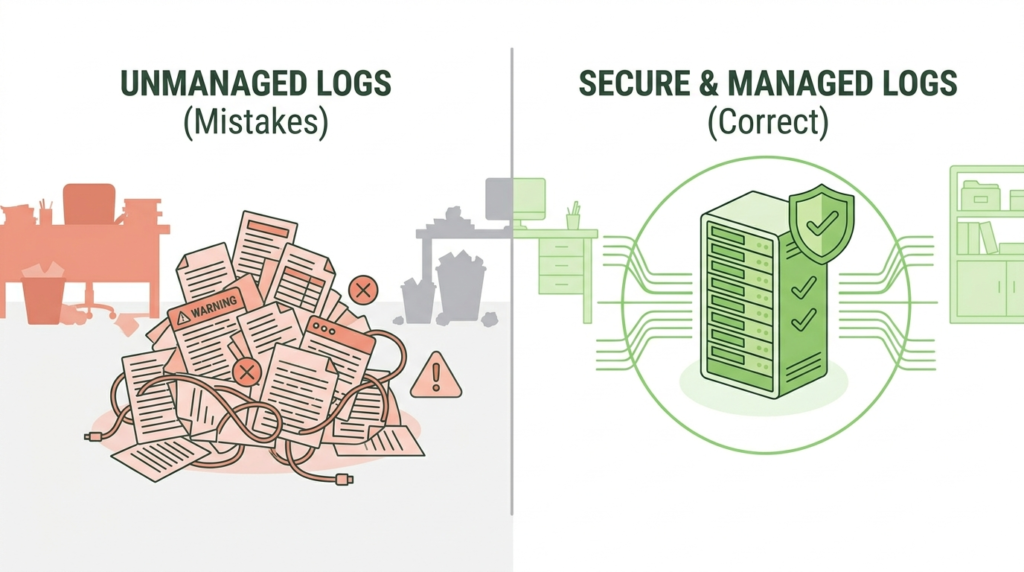
Avoid these pitfalls when setting up your server:
- No retention policy
- Lack of security controls
- Single point of failure
- Ignoring performance limits
From experience, planning ahead prevents costly redesigns later.
FAQ
What Is A Central Syslog Server Used For?
It collects logs from multiple devices into one location, making monitoring, troubleshooting, and analysis much easier and more efficient.
Can I Use One Server For All Logs?
Yes, for small environments. However, larger systems may require distributed or scalable architectures to handle high log volumes.
How Do I Secure My Syslog Server?
Use TLS encryption, restrict access, and monitor for unauthorized activity. Security should be part of the initial setup, not an afterthought.
How Much Storage Do I Need For Syslog?
It depends on log volume and retention policies. Planning storage based on expected growth is essential to avoid future issues.
Build A Strong Central Logging Strategy
Setting up a central syslog server is vital for visibility. By consolidating data, organizations simplify monitoring and strengthen security. Combining centralized logging with real-time threat modeling allows teams to identify vulnerabilities and respond to incidents faster. Transform scattered logs into actionable insights to expose blind spots before attackers do.
Ready to enhance your defenses? Start building your central syslog server today and strengthen your security posture with automated risk analysis.
References
- https://en.wikipedia.org/wiki/Syslog
- https://ieeexplore.ieee.org/document/8418604
