
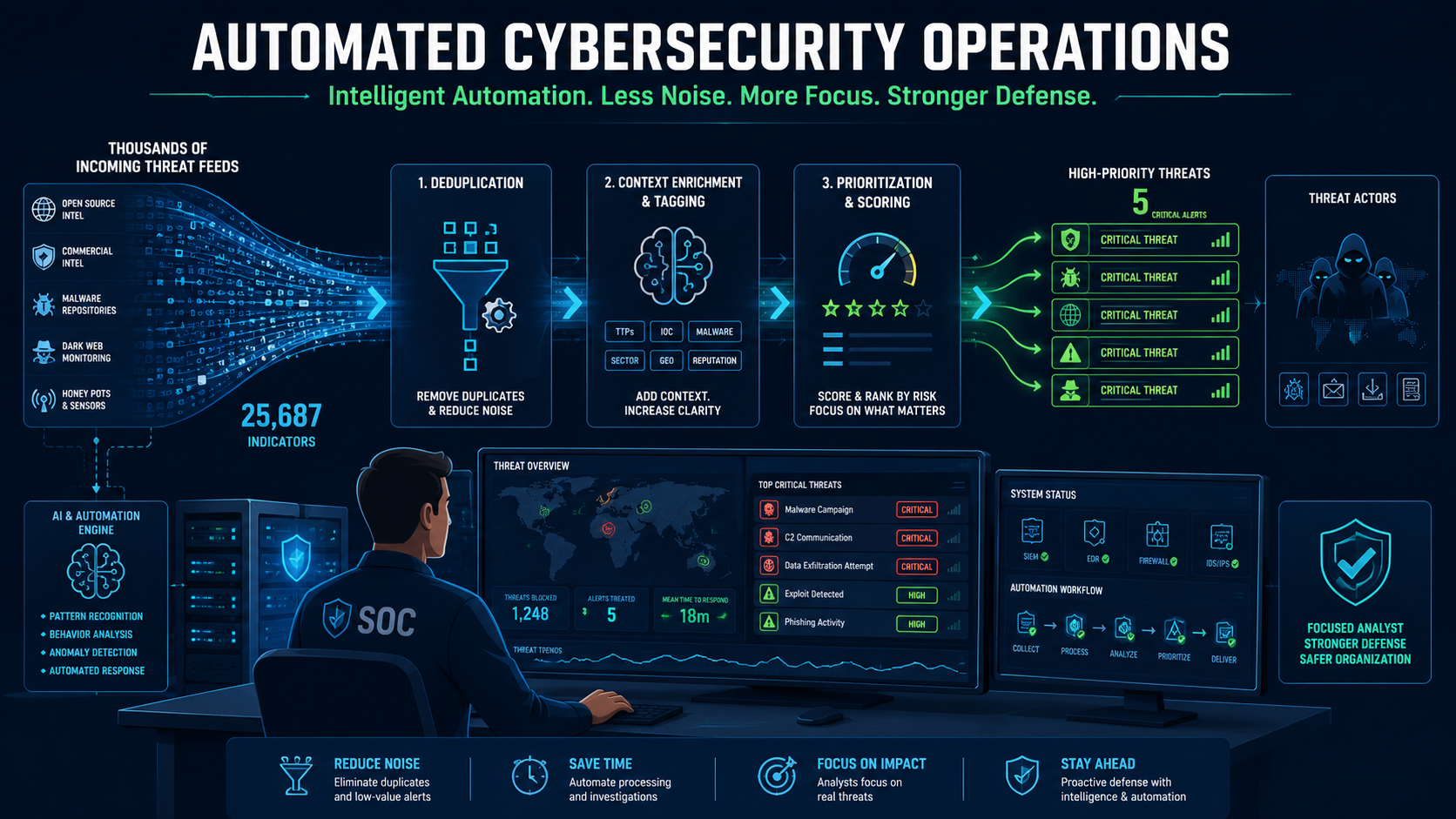
Automating threat feed ingestion processing helps security teams spend less time handling raw threat data and more time stopping real attacks. We experienced this shift after realizing our analysts were overwhelmed by manual feed collection, enrichment, and prioritization instead of investigating incidents.
Automating these repetitive tasks, we strengthened our Network Threat Detection capabilities, reduced alert fatigue, and improved response times without increasing workload. The result was a SOC that prioritized meaningful investigations over manual processing. Keep reading.
What You’ll Learn
In summary, keep these three points in mind:
- Automation turns chaotic threat data into structured, actionable intelligence.
- A simple, staged processing pipeline reduces alert fatigue and minimizes false positives.
- The greatest return on automation is giving analysts more time to investigate real threats instead of processing data.
When Threat Feeds Started Controlling the SOC?
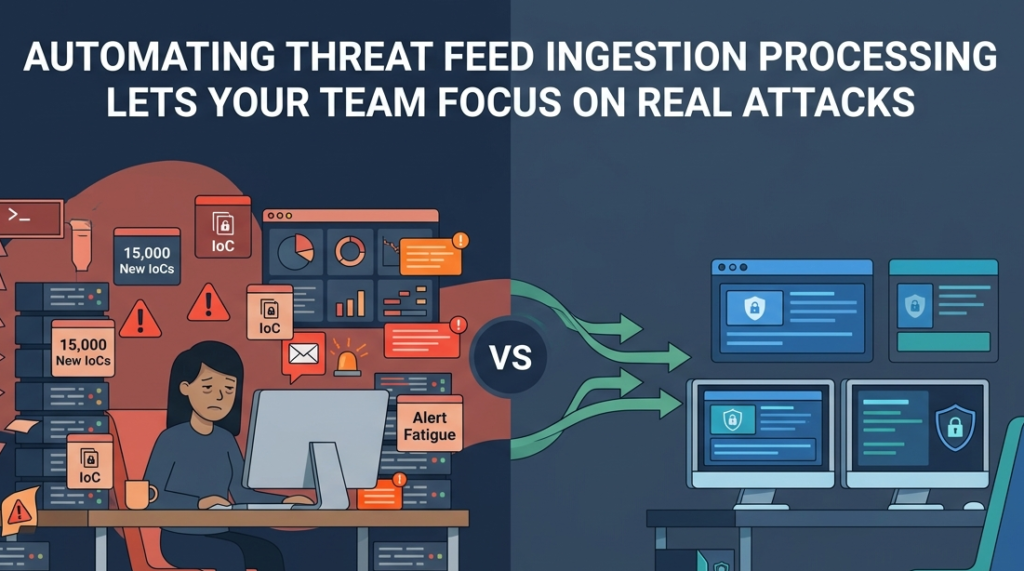
We remember the moment it broke for us. It was 2 AM, and our was staring at a CSV file with 15,000 new IoCs. Our job was to cross-reference them against our logs. Not to analyze, just to sort. That’s when I realized we weren’t a security team; we were a data processing unit for vendors. The feeds were supposed to be a tool, but they’d become the master. We knew we had to change.
“Full-cycle automation automates the ingestion, validation, enrichment, correlation, and distribution of threat intelligence. This enables faster detection, wider coverage, and reduced false positives, ultimately allowing security teams to focus on higher-order tasks rather than time-consuming data wrangling.” – Taylorfrancis
We started by automating the drudgery, beginning with Network Threat Detection. It was our logical first option because the network layer doesn’t lie; it shows you every connection, good or bad, and we needed that clear visibility to build trust in our automation.
Why Does Manual Feed Processing Cripple Security Teams?
It’s a simple math problem with human costs. One analyst spending three hours a day on manual ingestion and filtering loses 15 hours a week. For a team of four, that’s a full-time role wasted on clerical work. The fatigue sets in. Alert fatigue is real, but data entry fatigue is the silent killer of analyst morale and effectiveness.
You stop looking for clues; you start just processing the pile. We saw our best people burning out, not from chasing threats, but from managing spreadsheets. The cognitive load of switching between raw data and actual investigation is immense.
Your brain gets stuck in sorting mode, and it’s hard to shift back into hunting mode. That split focus is where adversaries win.
What Does a Basic Automation Pipeline Look Like?
You don’t need a fancy platform to start. You need a simple, repeatable process. Our first pipeline was shockingly basic, built around Network Threat Detection. We focused on the traffic we could see and control.
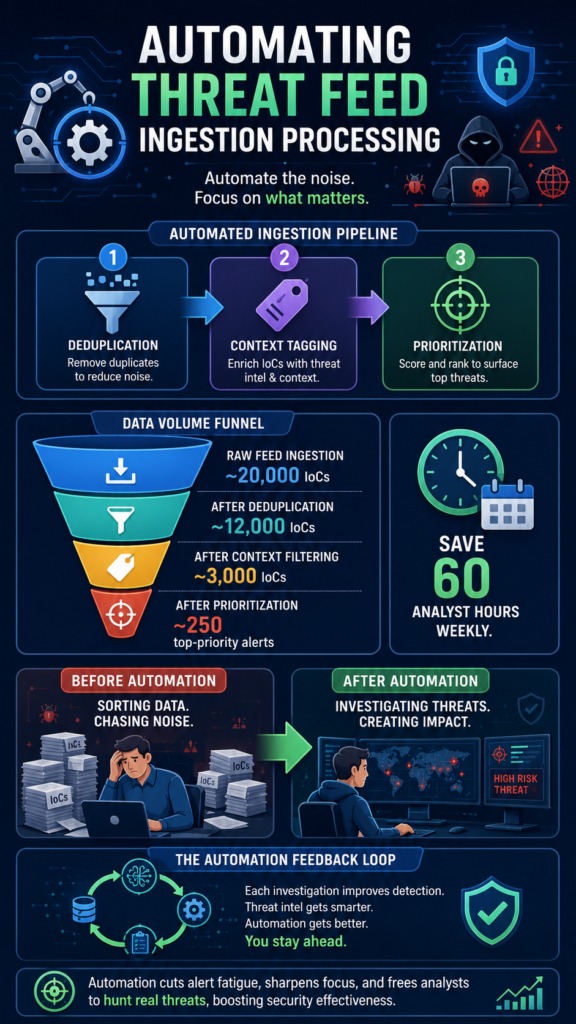
The goal wasn’t perfection, it was progress,to filter the obvious 80% of noise automatically. We built a three-stage sieve: Deduplication, Context Tagging, and Prioritization.
First, deduplication. The same malicious IP from five different feeds is still just one IP, whether it originated from community sources or commercial threat intel. We stripped the duplicates.
Third, prioritization. We scored indicators based on freshness, threat type, and relevance to our industry, making it easier to prioritize the most valuable threat intelligence feeds before alerts reached analysts.
Our initial automated filters were:
- Remove all duplicates across feeds.
- Exclude our own internal IP ranges and whitelisted partners.
- Flag indicators associated with active ransomware campaigns.
This table shows the transformation in data volume before it ever reached an analyst:
| Processing Stage | Input Volume (Daily IoCs) | Output to Analyst | Action |
| Raw Feed Ingestion | ~20,000 | N/A | All data ingested |
| Stage 1: Deduplication | ~20,000 | ~12,000 | 8,000 duplicates removed |
| Stage 2: Context Filtering | ~12,000 | ~3,000 | 9,000 irrelevant/IoC filtered |
| Stage 3: Prioritization | ~3,000 | ~250 | Top-priority alerts for review |
The analyst’s view shrank from a flood to a focused stream. They stopped asking “Is this bad?” and started asking “Why is this relevant to us right now?” That’s the shift.
How Does Automation Change the Analyst’s Role?
Credits: Adam Goss
This was the best part. We didn’t replace our analysts; we promoted them. Freed from the grind, they moved from reactive triage to proactive hunting. The hours we recovered,and it was about 60 person-hours a week, were reinvested into deep-dive investigations and purple team exercises.
One analyst, who used to be our best data sifter, discovered a low-and-slow exfiltration pattern we’d been missing for months. She had the time to connect the dots. Automation handles the predictable; the human handles the nuanced.
The tool serves the analyst, not the other way around. Their job satisfaction changed. They were solving puzzles, not cleaning data. This is the strategic win: you retain talent and sharpen your most valuable sensors,your people.
Can Automated Processing Become Proactive Intelligence?
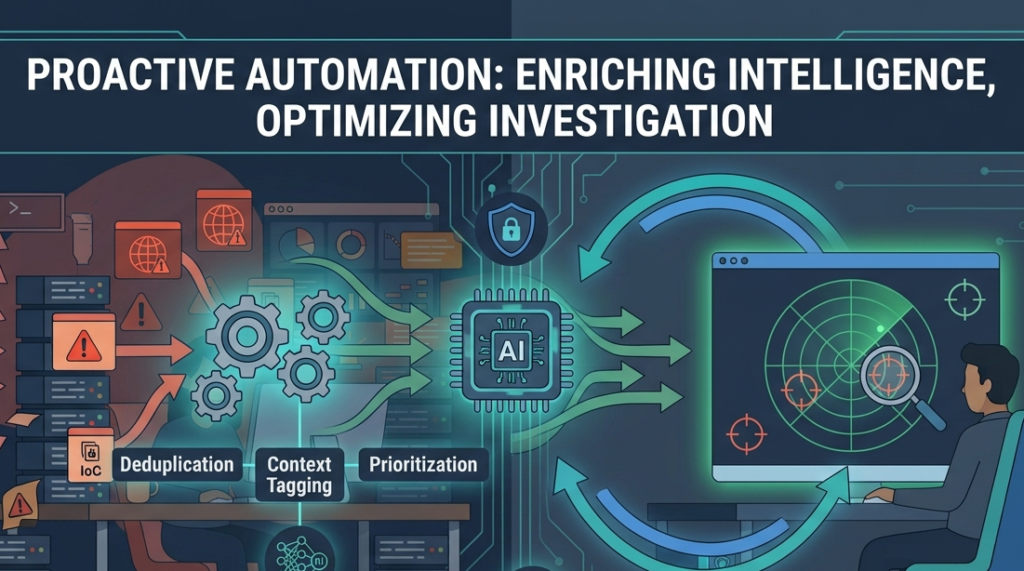
Absolutely. This is where it gets powerful. Automation shouldn’t end with a filtered list. It should create a feedback loop that makes your entire security posture smarter. For us, Network Threat Detection was the perfect foundation. When we automatically block a malicious domain at the network level, we don’t stop there. The system can then:
- Hunt back in time through DNS and proxy logs for any prior calls to that domain.
- Check if any internal systems attempted connections.
- Adjust the reputation score of the feed that provided the indicator.
This turns a single IoC into a learning event for your ecosystem. We started having automated systems open preliminary investigation tickets in our SIEM, pre-populated with the enriched data from our threat intelligence platform. The analyst starts with a case file, not a blank slate.
What’s a Practical First Step to Take This Week?
Start small. Pick one feed. Pick the one that causes the most groans in the morning stand-up. Define one output. Maybe it’s a daily digest email of top-10 indicators. Maybe it’s an automated file dropped into a folder for your SIEM.
“With routine alerts handled autonomously, analysts dedicate sustained attention to proactive threat hunting, analyzing adversary TTPs, and uncovering threats that automated detection might miss. The shift means the same analysts doing more valuable work that actually moves the needle on organizational risk.” – d3security
We started by writing a Python script that ran every hour, fetching a single feed, applying our three filters, and posting the results to a Slack channel. It took a few days. The key is that the initial integration should take less than two weeks.
If it’s taking longer, your scope is too big. Measure success in time saved. Track the manual hours spent on that feed last month. That’s your baseline. Your goal is to reduce it to zero.
FAQ
Does automating threat feeds require a huge budget?
No. We started with open-source tools and simple scripts. The investment is in time and clarity of thought, not necessarily in expensive software.
Won’t automation cause us to miss something important?
It’s the opposite. Manual processes are error-prone due to fatigue. A well-tuned automation pipeline applies consistent logic 24/7, ensuring critical indicators are always caught and prioritized.
How do we handle false positives in an automated system?
You build feedback directly into the pipeline. If an analyst marks a blocked indicator as a false positive, the system should learn, adjusting scores or adding exceptions to prevent repeat mistakes.
Is this only for large security teams?
No. Small teams benefit more, as they have fewer people to spare on manual tasks. Automation acts as your force multiplier, letting a team of three operate like a team of five.
The Real Payoff of Automated Feeds
Network Threat Detection empowers cybersecurity teams to proactively defend networks through real-time threat modeling, automated risk analysis, and continuous intelligence. Designed for SOCs and CISOs, the platform utilizes MITRE ATT&CK, STRIDE, and PASTA frameworks to provide visual attack simulations and executive-ready reports.
By streamlining vulnerability management and exposing blind spots, it allows teams to confidently prioritize risks and reduce response times. Stop processing threats and start understanding them; reclaim your team’s time by joining us today.
References
- https://www.taylorfrancis.com/chapters/edit/10.1201/9781003674825-7/ai-driven-autonomous-cyber-threat-intelligence-cti-curation-lifecycle-management-shubham-gupta
- https://d3security.com/blog/role-of-the-soc-analyst/
