
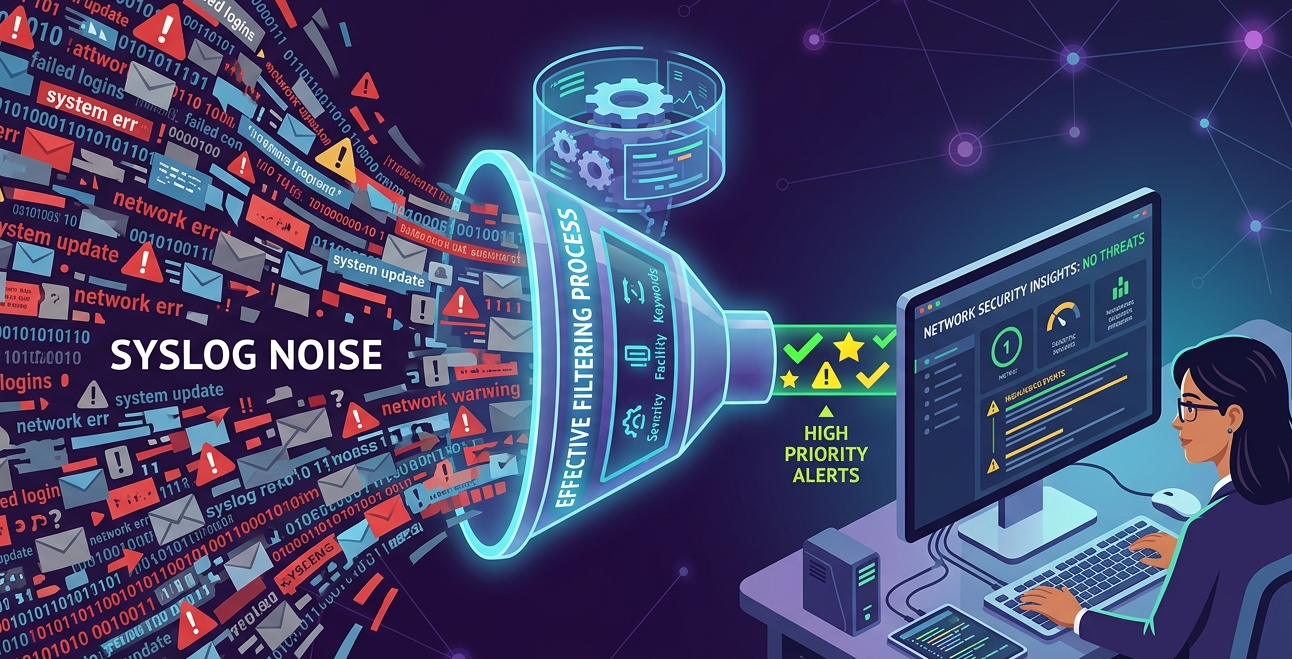
Filtering syslog messages effectively is no longer optional, it is essential. In our experience, raw syslog streams quickly become overwhelming, burying critical alerts under massive volumes of irrelevant logs. Without proper filtering, security teams waste time chasing noise instead of real threats.
Many organizations struggle not because they lack data, but because they lack clarity. This article explores how to refine syslog data into meaningful insights while strengthening detection workflows. Keep reading to discover practical, real-world filtering strategies that actually work.
Key Insights for Filtering Syslog Messages Effectively
Filtering syslog messages effectively requires structured thinking and consistent tuning. It is not a one-time setup but an evolving process aligned with your environment.
- Focus on relevance over volume
- Align filters with security priorities
- Use severity and facility wisely
Why Filtering Matters in Network Threat Detection
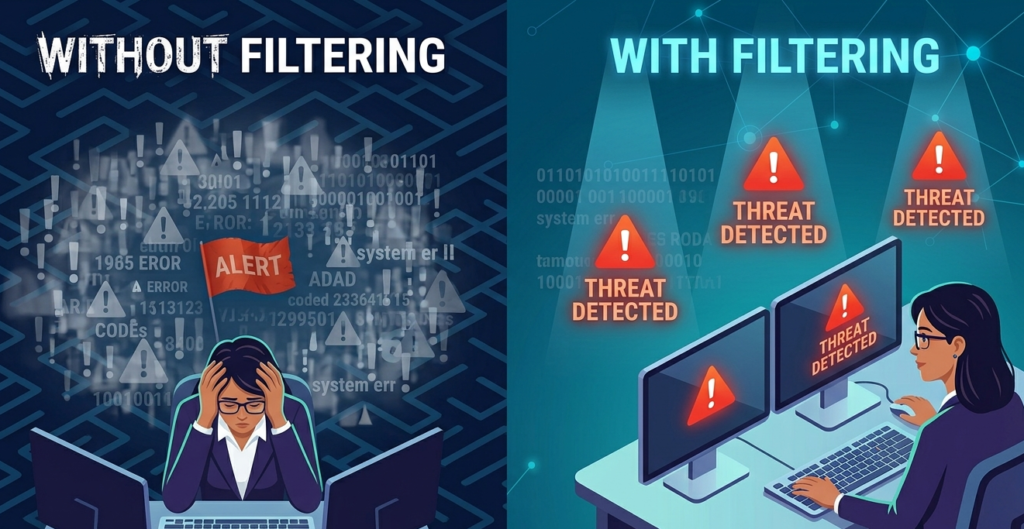
We always prioritize Network Threat Detection because filtering is meaningless without a clear detection goal. Filtering should support detection, not replace it.
- Reduces alert fatigue significantly
- Highlights anomalous patterns faster
- Improves incident response time
- Enables better correlation across systems
From our experience, unfiltered syslog data delays detection by hours or even days. When filters are aligned with threat detection logic, teams can immediately focus on suspicious behavior rather than routine system noise.
“Syslog is a standard for message logging that allows separation of the software that generates messages from the system that stores them.” – Wikipedia
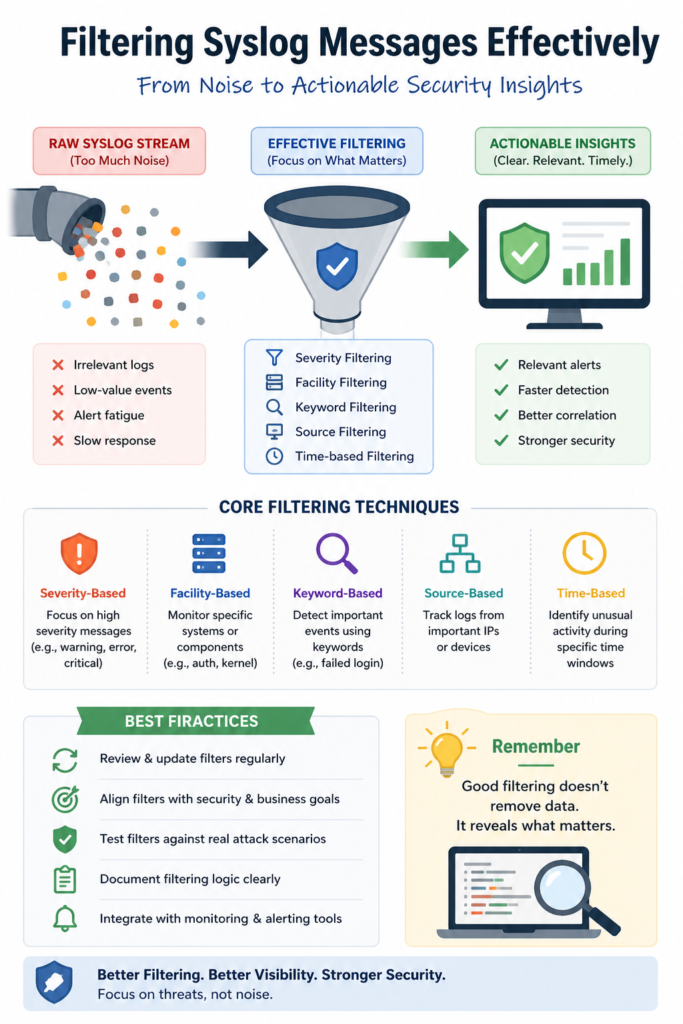
Common Syslog Filtering Techniques
Credits: Tech with Jono
Effective filtering relies on combining multiple techniques rather than depending on a single rule. A foundational step is understanding syslog protocol and configuration to ensure your log sources are aligned correctly.
- Severity-based filtering (e.g., ignore debug logs)
- Facility-based filtering (e.g., auth, kernel, mail)
- Keyword filtering (e.g., failed login, error)
- Source-based filtering (specific IPs or devices)
- Time-based filtering (peak vs off-peak behavior)
We have seen that combining severity and keyword filtering provides the fastest improvement in signal quality. However, over-filtering can hide important events, so balance is critical.
Example Filtering Strategy Table
| Filtering Type | Purpose | Example Use Case |
| Severity-based | Reduce low-value logs | Ignore “debug” messages |
| Facility-based | Focus on specific systems | Monitor authentication logs |
| Keyword-based | Detect suspicious activity | “failed login”, “unauthorized” |
| Source-based | Track critical devices | Firewall or IDS logs |
| Time-based | Detect anomalies in patterns | Unusual midnight activity |
This layered approach ensures filtering is both precise and adaptable.
Challenges in Filtering Syslog Messages
Filtering syslog messages effectively is not without challenges. Many teams struggle to balance visibility and noise reduction, especially when managing syslog data volume across distributed networks.
- Over-filtering hides critical events
- Under-filtering overwhelms analysts
- Dynamic environments require constant updates
- Lack of context reduces filter accuracy
From firsthand experience, the biggest issue is static filtering rules in a dynamic environment. What worked last month may fail today.
“Log analysis is a critical part of system monitoring and security, requiring continuous adjustment and contextual understanding.” – ScienceDirect
Best Practices for Effective Syslog Filtering
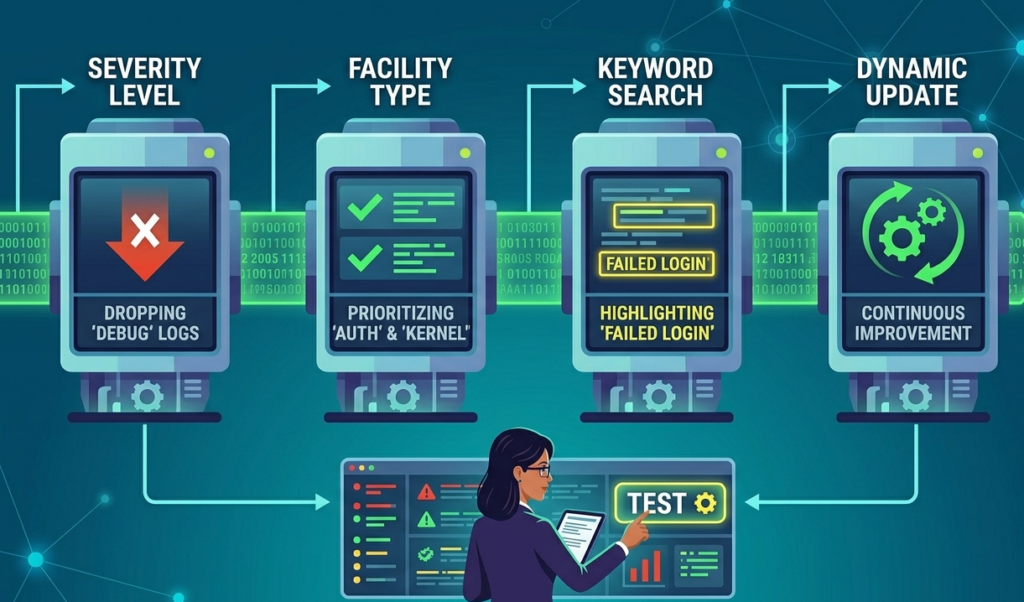
To maintain efficiency, filtering must evolve alongside your infrastructure. This often involves parsing unstructured syslog messages to ensure that even complex, non-standard logs are accurately categorized.
- Review and update filters regularly
- Align filters with incident response goals
- Test filters against real attack scenarios
- Document filtering logic clearly
- Integrate with monitoring and alerting systems
We have learned that documentation is often overlooked, yet it is essential for maintaining consistency across teams.
FAQ
What is the biggest mistake in syslog filtering?
The most common mistake is over-filtering. Teams often remove too many logs to reduce noise, but this can hide early indicators of compromise. In practice, we have seen organizations miss critical alerts because filters were too aggressive. A better approach is gradual tuning, start broad, then refine based on real incidents and observed patterns.
How often should syslog filters be updated?
Syslog filters should be reviewed regularly, ideally monthly or after any major incident or infrastructure change. Environments evolve quickly, and static filters lose effectiveness over time. From our experience, continuous evaluation ensures filters remain aligned with current threats, system behavior, and operational priorities.
Can filtering improve incident response time?
Yes, filtering has a direct impact on response speed. By reducing irrelevant logs, analysts can focus on high-priority alerts without distraction. We have seen response times improve significantly when teams implement structured filtering, as it minimizes noise and highlights actionable security events faster.
Is automation necessary for filtering syslog messages?
Automation is highly beneficial, especially in large-scale environments where log volume is massive. However, it should not replace human oversight. Automated filtering can handle repetitive tasks, but analysts must continuously validate and adjust rules to ensure critical events are not missed and filtering remains effective.
Conclusion: Mastering Filtering Syslog Messages Effectively
Filtering syslog messages effectively transforms overwhelming data into actionable intelligence. By aligning filtering strategies with detection goals, continuously refining rules, and avoiding over-filtering, organizations can significantly improve security outcomes. From our experience, success lies in balance, reducing noise without losing visibility.
To strengthen your defense, explore advanced threat modeling with NetworkThreatDetection.com. Our platform empowers SOCs and analysts with real-time risk analysis, visual attack path simulations, and CVE mapping. Prioritize risks confidently, expose blind spots, and streamline your vulnerability management today.
References
- https://en.wikipedia.org/wiki/Syslog
- https://www.sciencedirect.com/topics/computer-science/log-analysis
